Many SMBs and startups struggle with a basic question: which AWS tool actually fits their workload? "AWS data migration services" covers a lot of ground — databases, files, servers, streaming data, and bulk offline transfers all have different tools. AWS Database Migration Service (AWS DMS) handles database replication specifically. It is not built to move every type of workload.
This guide compares the main AWS migration services, breaks down how AWS DMS works and where it falls short, walks through a practical migration process, and flags when bringing in AWS-certified help makes sense.
Key Takeaways
- AWS DMS supports homogeneous and heterogeneous database migrations with full-load and CDC.
- Use DataSync, Storage Gateway, Transfer Family, Snow, or Application Migration Service for non-database moves.
- Cutover success hinges on discovery, network setup, permissions, schema tests, and a rollback plan.
- DMS will not convert every schema object; plan SCT or manual work for procedures, triggers, and indexes.
- Check current AWS pricing and Free Tier terms before you budget—both change often.
AWS Data Migration Services: Which AWS Tool Fits Your Use Case?
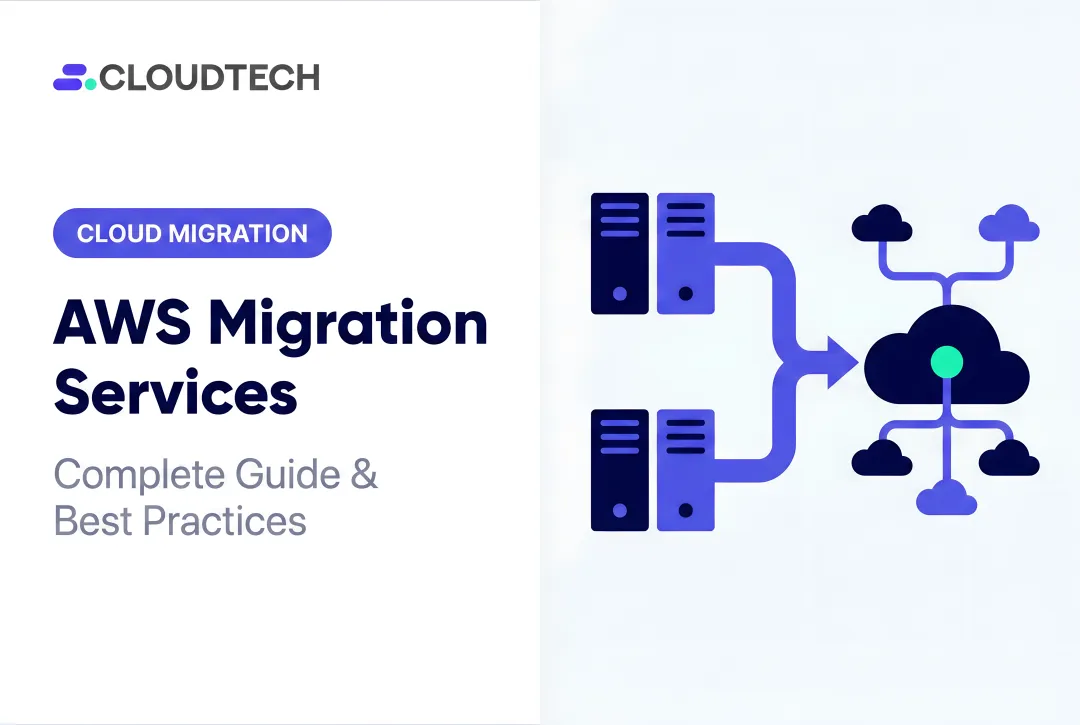
Before picking a service, identify what you're actually moving: a database, files and objects, an entire server, an application, streaming data, or a large offline dataset sitting in a data center somewhere. Each category has a purpose-built AWS tool, and treating them as interchangeable is where most migration plans break down.
AWS Database Migration Service moves data between a source and target database endpoint. It supports relational and non-relational engines, handles full-load transfers and CDC, and works across on-premises systems, EC2, RDS, and Aurora.
AWS DataSync moves files and objects (not database rows) between on-premises storage, Amazon S3, Amazon EFS, and Amazon FSx. It's built for bulk file transfer, not transactional replication.
AWS Application Migration Service (MGN) replicates entire servers for lift-and-shift rehosting. MGN moves the whole machine; DMS moves selected database data out of it.
A few other services round out the picture:
- AWS Storage Gateway — hybrid cloud storage access for on-premises systems needing SMB, NFS, or iSCSI connectivity to AWS storage.
- AWS Transfer Family — managed SFTP, FTPS, FTP, and AS2 transfers into S3 or EFS, useful when you want to keep existing file-transfer clients.
- AWS Snow Family — physical devices for offline, high-volume transfer. Snowball Edge is existing-customer-only as of November 7, 2025, with commercial-Region support ending December 31, 2026 (not a new option for most teams today).
- AWS Direct Connect — dedicated network connectivity for migration traffic, not a data-moving service by itself.
- Amazon Data Firehose — streaming ingestion into destinations like S3 or Redshift, relevant for event data rather than database migration.
| Workload type | Primary AWS service | Migration method | Key limitation |
|---|---|---|---|
| Relational/NoSQL database | AWS DMS | Full load, CDC, or both | Does not auto-convert every schema object |
| Files and objects | AWS DataSync | Automated network transfer | Not for row-level database replication |
| Entire server | Application Migration Service | Continuous server replication | Moves the whole machine, not selective data |
| Hybrid file access | Storage Gateway | Local caching + cloud backend | Ongoing access, not one-time cutover |
| SFTP/FTP workflows | Transfer Family | Protocol-based file exchange | Limited to supported transfer protocols |
| Offline bulk data | Snow Family | Physical device shipment | Existing customers only as of late 2025 |
Match the workload first, then the service—tool choice follows the data type, not the other way around.
AWS Database Migration Service Explained: Components, Modes, and Limitations
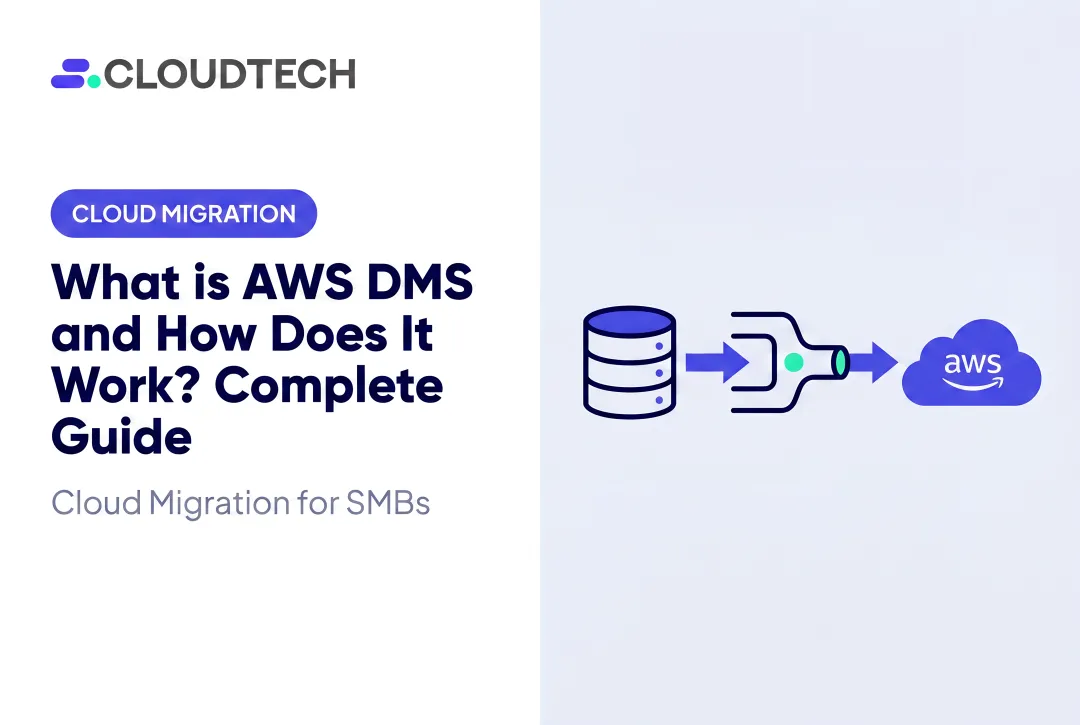
AWS DMS is a managed replication service. It reads from a source database, processes the migration through a task, and writes to a target. The source can often keep running while replication is underway. Four components make this work:
- Source and target endpoints — the database engine, host, port, credentials, encryption, and connectivity details DMS needs to reach each side.
- Replication instance — managed compute (CPU, memory, storage) that runs migration tasks in your VPC, with optional Multi-AZ.
- Replication task — defines table mappings, transformations, migration type, logging, and error handling.
- Network and IAM configuration — subnets, route tables, security groups, database permissions, and secrets management.
Full Load, CDC, or Both
| Task mode | What it does | When to use it |
|---|---|---|
| Full load | Copies existing source data to the target | One-time move when some downtime is acceptable |
| CDC only | Replicates ongoing changes without the initial copy | Initial data was loaded separately; now syncing changes |
| Full load + CDC | Loads existing data, then applies changes as they happen | Active database that must keep accepting writes before cutover |
Full load plus CDC is the most common choice for production systems, since it lets the source keep operating right up until the actual cutover window.
Homogeneous vs. Heterogeneous Migrations
A homogeneous migration moves data between the same engine — MySQL to Amazon RDS for MySQL, for example. A heterogeneous migration crosses engines, such as Oracle or SQL Server to Aurora PostgreSQL, and introduces far more complexity.
One limitation catches teams off guard. DMS creates tables and primary keys during a migration task, but it generally does not automatically create:
- Secondary indexes
- Foreign keys
- Column defaults
- Stored procedures
- Triggers
Those engine-specific objects need the AWS Schema Conversion Tool (SCT) or manual remediation. Budget time for this work separately rather than assuming the task covers it.
How to Migrate Data to AWS: A Practical Step-by-Step Process
A migration that "just works" comes from a disciplined process. Here's the sequence that holds up in practice.
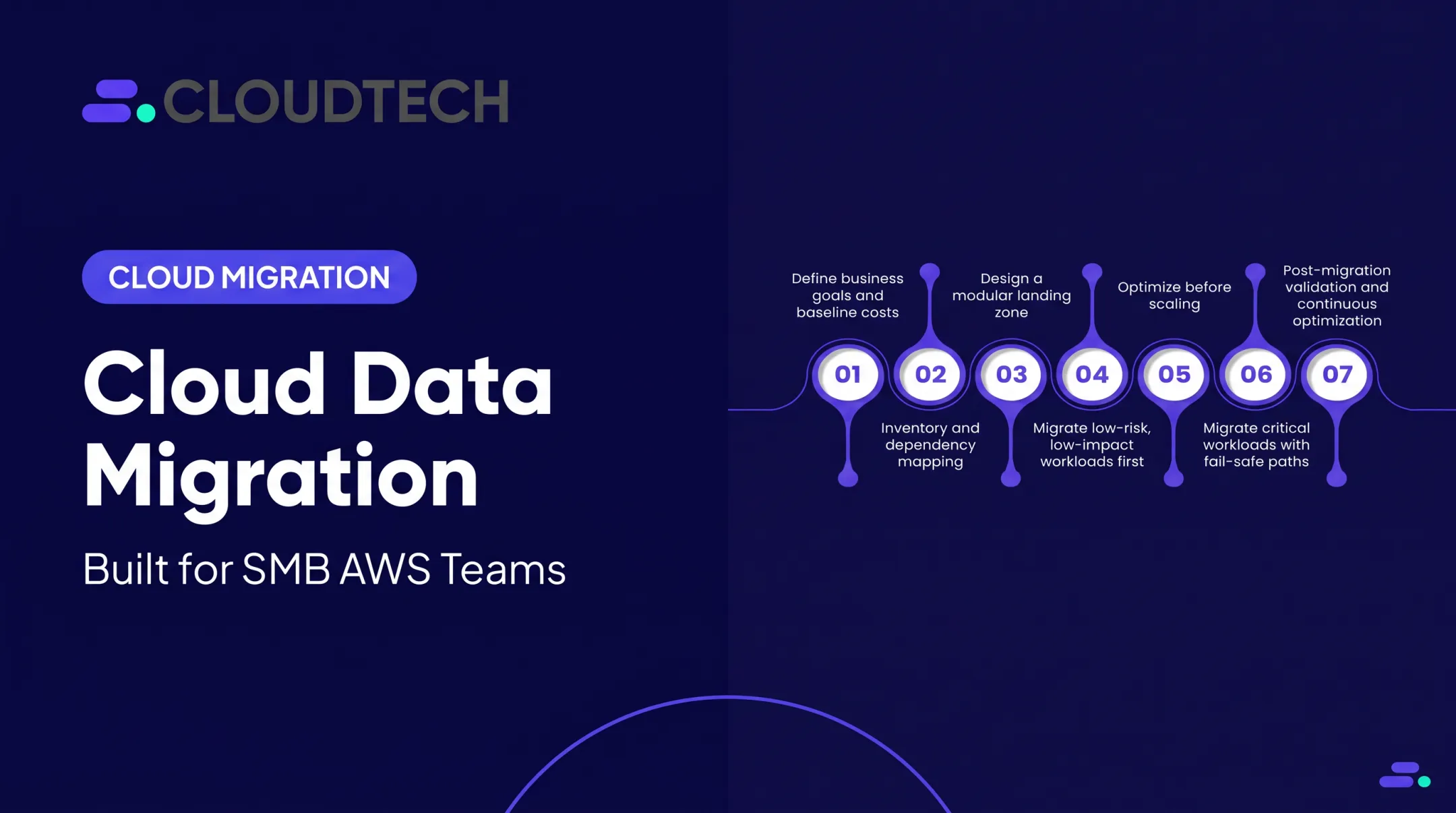
- Assess and scope. Inventory source systems, data volume, dependencies, engine versions, downtime tolerance, and what success actually looks like. Skipping this step is the single biggest cause of blown timelines.
- Choose the target and strategy. Decide between rehosting, replatforming, refactoring, or straight replication , then document why the destination fits your performance, compliance, and cost needs.
- Prepare the landing zone. Set up account structure, VPC, private subnets, security groups, IAM roles, encryption keys, Secrets Manager, logging, and connectivity (VPN or Direct Connect).
- Prepare source and target. Create least-privilege database users, confirm CDC prerequisites, convert schemas where needed, and configure targets without hardcoding credentials.
- Create and test DMS resources. Provision the replication instance, configure endpoints, run connection tests, define table mappings, and pilot with representative data.
- Run full load and monitor CDC. Track task status, throughput, CPU, memory, replication latency, and failed records through CloudWatch logs.
- Validate, cut over, and retire old resources. Compare row counts and key queries, freeze writes, confirm final CDC position, redirect traffic, and keep a rollback path before decommissioning anything.

A real example: Cloudtech ran a discovery workshop with a healthcare provider in Oregon to map goals and risks before touching infrastructure. The team then built the landing zone and migration path:
- AWS Control Tower for secure multi-account landing zones
- IAM baselines with CloudTrail for access tracking
- VPN connectivity with automated backups aligned to HIPAA and RPO/RTO targets
Result: no disruption to clinical workflows, and a 77% reduction in annual infrastructure costs after leaving a managed services provider.
For SMBs without a dedicated database engineering team, this kind of structured support (assessing dependencies, configuring DMS securely, coordinating validation) often matters more than the tooling itself.
Migration Readiness, Security, and AWS DMS Best Practices
Before any data moves, run through a readiness checklist covering:
- Data ownership and regulatory requirements (HIPAA, SOC 2, etc.)
- Encryption in transit (TLS 1.2+) and at rest (AWS KMS)
- Least-privilege access and credential storage via Secrets Manager
- Backup verification and network connectivity testing
- Maintenance windows, stakeholder communication, and rollback criteria
Start Small, Then Scale
AWS's own best practices guidance recommends a small pilot migration before touching production. Internal tools, file shares, or non-production staging environments make strong first candidates. They give you rollback flexibility without customer-facing risk.
Test Beyond the Data Itself
Schema and application testing should go well past row counts. Cover:
- Data types, character sets, and time zones
- Stored procedures, triggers, and indexes
- Transactions and LOB handling
- Connection strings and application failover behavior
It's easy to confirm rows copied correctly and still miss a broken stored procedure that only fails under production load.
"Zero Downtime" Isn't Automatic
AWS explicitly notes that CDC is not real-time and doesn't guarantee low latency. High write volume, limited bandwidth, or target ingest bottlenecks can all cause lag to build up. Set a realistic cutover objective that accounts for CDC lag, validation confidence, and an approved rollback plan. Do not assume replication will keep pace under every load condition.

Cloudtech's team—largely former AWS employees—uses the same phased method: pilot first, validate continuously with CloudWatch and AWS Config, and move regulated or customer-facing workloads only after checkpoints clear.
AWS Migration Costs and How to Choose the Right Support
Migration costs run wider than most teams initially plan for. Budget for these line items:
- DMS replication instance hours and allocated storage
- Multi-AZ or high-availability configuration
- Data transfer, CloudWatch logs, and target database resources
- Networking, backups, and temporary parallel environments during migration
Is AWS DMS Free?
Free Tier terms depend on when your account was created. According to AWS's current DMS pricing page, accounts created before July 15, 2025 get 750 hours per month of a Single-AZ dms.t3.micro instance for one year, plus 50 GB of included storage.
Accounts created after that date instead receive a credits-based offer: up to $100 in credits, plus up to $100 more for qualifying activations, valid for 12 months. Verify your account's eligibility before assuming either structure applies.

Keeping Costs Under Control
- Run a pilot first, then rightsize the replication instance based on actual usage
- Keep source and target in the same Region/AZ where possible to avoid transfer fees
- Stop temporary replication resources immediately after cutover
- Control CloudWatch log retention instead of leaving it indefinite
- Model cost in the AWS Pricing Calculator using database size, migration duration, and CDC window
DIY or Bring in Help?
Self-managed migration can work fine for a single homogeneous database with low compliance risk. Bring in specialist support when you face:
- Heterogeneous conversions requiring SCT and manual remediation
- Compliance obligations like HIPAA or SOC 2
- Low downtime tolerance for customer-facing systems
- Limited internal AWS skills or no tested rollback plan
As an AWS Advanced Tier Partner serving SMBs and startups across the US, Cloudtech's AWS-certified architects handle assessment, secure DMS configuration, and cutover coordination as an extension of your team. AWS Partner funding often reduces out-of-pocket cost on qualifying migrations.
Frequently Asked Questions
How much does AWS Database Migration Service cost?
Costs depend on replication instance hours, storage, data transfer, and Free Tier eligibility, which varies by account creation date. Use the AWS Pricing Calculator and verify current regional pricing before budgeting.
How do I migrate to AWS?
Assess your systems, then choose a target and migration strategy. Prepare the landing zone and security controls, pilot your tooling, and only then migrate, validate, and cut over with monitoring in place.
What are the 7 steps involved in migrating to the cloud?
Assess and scope, choose a strategy and target, prepare the landing zone, prepare source and target systems, configure and test migration tooling, run migration and monitor, then validate and cut over.
What AWS data migration services are available?
Core options include AWS DMS for databases, DataSync for files and objects, and Application Migration Service for server rehosting. Storage Gateway, Transfer Family, Snow Family, Direct Connect, and streaming services cover hybrid storage, protocol transfers, offline bulk moves, connectivity, and real-time ingestion.
What does AWS Database Migration Service do?
DMS replicates data between supported source and target systems using full load, CDC, or both. It is not a complete application migration tool or an automatic schema-conversion solution.
Does AWS DMS migrate database schemas?
DMS focuses primarily on data movement. It creates basic tables and primary keys, but secondary indexes, stored procedures, and triggers typically need AWS Schema Conversion Tool or manual engineering.