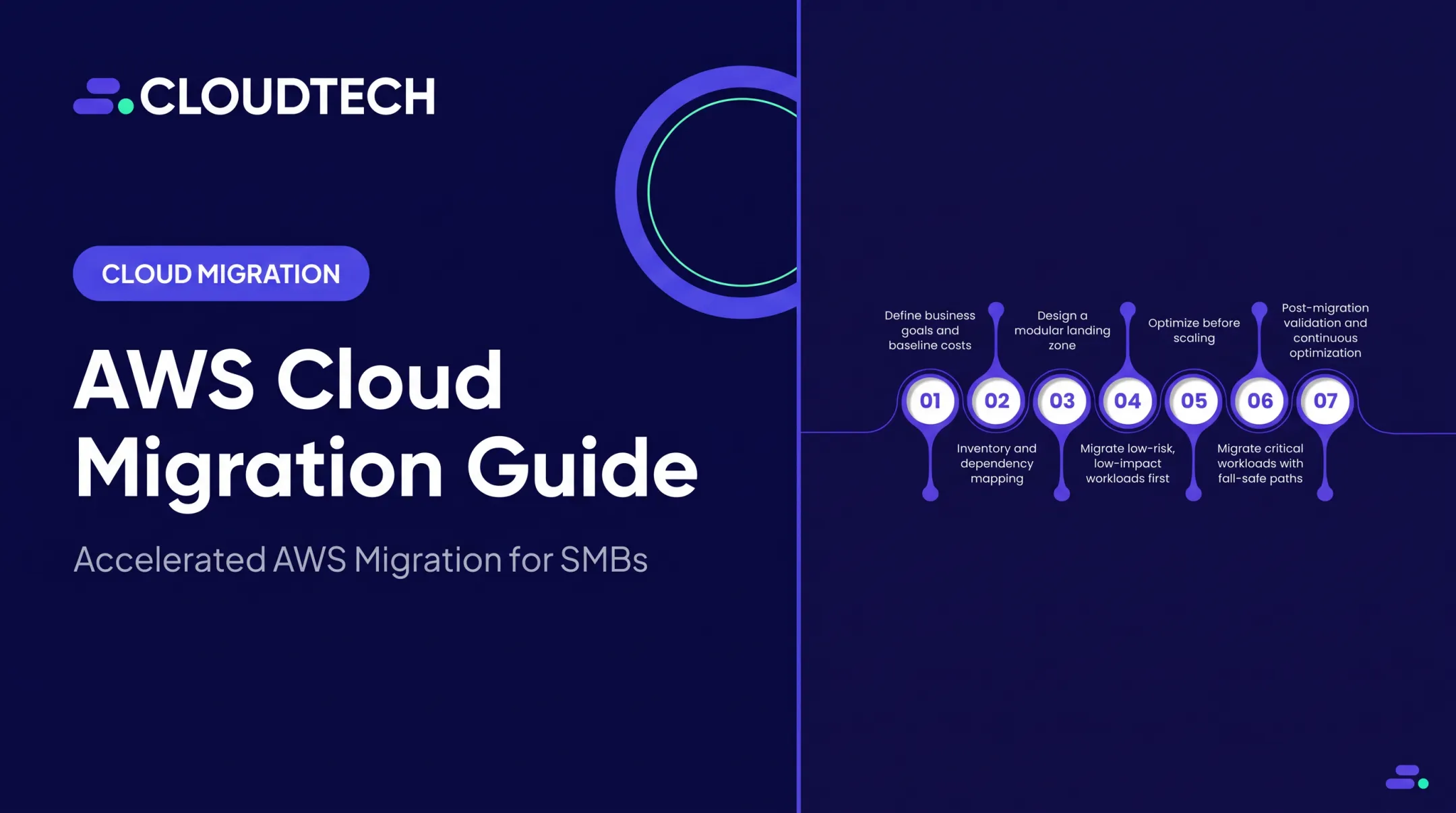
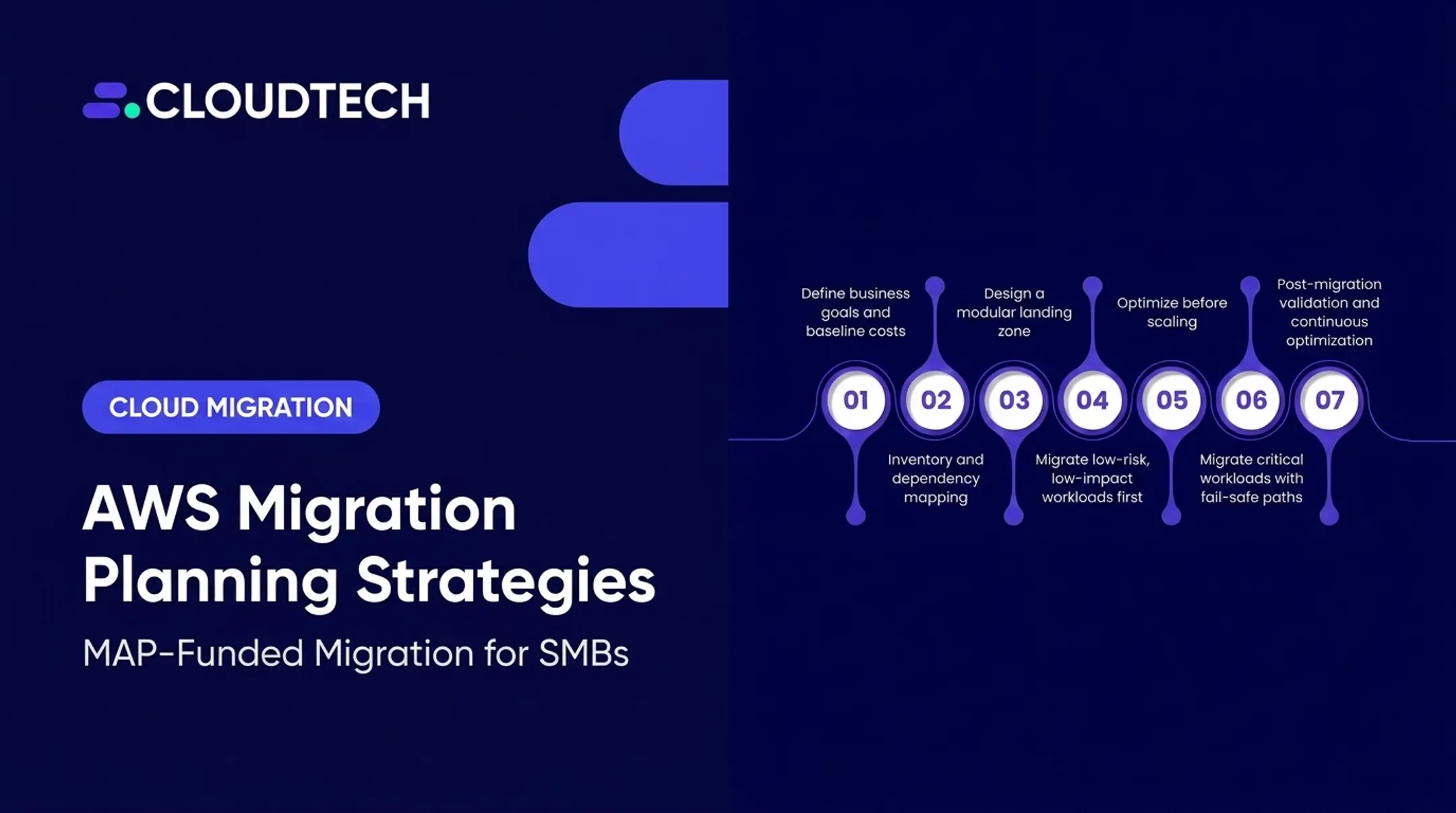
This guide provides that playbook. It’s for the technical and business leaders planning a first-time migration, building a hybrid environment, or starting a broader modernization program. We'll break down the process into clear stages: from initial assessment and strategy selection to building a secure landing zone, executing the move in controlled waves, and optimizing for performance and cost. A structured plan is the difference between a successful migration and a stalled project.
Key Takeaways
- An AWS migration is a change to your business and operating model, not just a server relocation.
- Use discovery and dependency mapping to choose the right migration strategy for each workload; don't just default to "lift-and-shift."
- Establish your identity, networking, security, governance, and cost controls in a secure AWS landing zone before moving production workloads.
- Treat testing, rollback planning, team readiness, and post-migration optimization as essential parts of the project, not optional extras.
What AWS Cloud Migration Is and Why It Matters
An AWS cloud migration moves your digital assets from their current location (an on-premises data center or another cloud) to the AWS cloud. That is different from cloud modernization. Migration focuses on moving or adapting workloads. Modernization re-architects them to use cloud-native features such as serverless computing or managed services.
Organizations pursue migration to achieve specific business outcomes, such as:
- Retire expensive data-center infrastructure
- Improve scalability for fluctuating demand
- Strengthen security and operational resilience
- Accelerate software delivery and innovation
- Support advanced analytics and AI workloads
- Meet new compliance or business requirements
The key is matching the right migration strategy to each workload. AWS frames this with the 7 Rs. You do not apply one approach to everything. Choose the fit based on business value, technical complexity, and dependencies.
| Strategy | What It Means |
|---|---|
| Rehost | "Lift-and-shift." Move the application as-is without changes. |
| Replatform | "Lift-and-tinker." Move the application with a few cloud optimizations. |
| Repurchase | Switch to a different product, often a SaaS solution. |
| Refactor/Re-architect | Fundamentally change the application's architecture for the cloud. |
| Relocate | Move virtual machines to a cloud-based version of the same platform (e.g., VMware Cloud on AWS). |
| Retire | Decommission the application entirely. |
| Retain | Leave the application where it is for now. |

Strategy choice only works when it sits on a structured plan. Many stalled migrations skip a clear inventory of applications and dependencies.
That gap shows up later as:
- Unexpected downtime during cutover
- Security gaps in the new environment
- Oversized or undersized resources
- Cloud spend that exceeds the original budget
Assess each workload before you commit: latency, data residency, licensing, and the operational skills your team will need on day two.
How an AWS Migration Works
A successful AWS migration follows a clear, end-to-end flow. It begins with business goals and ends with an optimized cloud environment that supports them.
1. Assessment and Discovery
You can't migrate what you don't understand. The first step is to create a complete inventory of your current IT estate. This involves collecting data on:
- Servers (physical and virtual)
- Applications and databases
- Storage utilization and networks
- User identities and integrations
- Software licensing and dependencies
Tools like AWS Migration Evaluator can help create a data-driven business case by analyzing your current usage. The goal is to uncover all dependencies, performance baselines, and recovery requirements that will inform your migration plan.
2. Portfolio Planning and Strategy Selection
With your inventory complete, you can start planning. Group applications and workloads based on their interdependencies, business criticality, and technical readiness. For each group or individual workload, you will:
- Assign one of the 7 R strategies.
- Schedule it into a specific migration "wave."
- Define clear success criteria (for example, performance targets).
- Assign an owner and a rollback plan.
- Design the target architecture in AWS.
This systematic approach ensures that you move related systems together and tackle low-risk, high-value workloads first.
3. Landing Zone and Connectivity Preparation
Before you move a single production server, you must build a secure and well-governed foundation in AWS. This is your "landing zone." It's a pre-configured environment that establishes your core operational capabilities.
Following principles from the AWS Well-Architected Framework, a proper landing zone includes:
- A multi-account structure using AWS Organizations.
- Centralized identity and access management (IAM) with least-privilege policies.
- Secure networking (VPCs), logging, and monitoring.
- Encryption, backup, and essential security controls.
- Governance policies for tagging and budgeting.
- Secure connectivity to your existing environment via VPN or AWS Direct Connect.
Under the AWS Shared Responsibility Model, AWS secures the cloud itself, but you are responsible for securing what's in the cloud. Your landing zone is where you implement the controls to meet that responsibility.
4. Migration Execution and Data Movement
With the foundation in place, you can begin migrating workloads in controlled waves. The tools you use will depend on the workload type and your tolerance for downtime.
- AWS Application Migration Service (MGN) is ideal for rehosting servers, as it performs continuous, block-level replication to minimize cutover downtime.
- AWS Database Migration Service (DMS) helps move databases while the source remains operational, supporting both same-engine and different-engine migrations.
- AWS DataSync is used for large-scale online transfers of files and objects to services like Amazon S3 or Amazon EFS.
Note: As of late 2025, services like AWS Application Discovery Service, AWS Migration Hub, and Snowball Edge devices are no longer available to new customers. Always verify the current toolset when planning your migration.
5. Testing, Cutover, and Rollback
Thorough testing is non-negotiable. Before going live, you must validate every migrated application against your predefined success criteria. This includes functional, performance, security, and user acceptance testing.
The cutover itself should be a planned event within a maintenance window. It involves a final data synchronization, updating DNS or traffic routing, and intensive monitoring.
Just as important is your rollback plan. If you hit a critical issue, you need a documented process to revert to the source system quickly and safely.
6. Post-Migration Operations
The migration isn't over at cutover. The final phase is about operating efficiently in the cloud. This involves continuous optimization activities:
- Rightsizing: Adjusting resources to match actual demand.
- Cost Management: Monitoring usage with tools like AWS Cost Explorer and setting budgets.
- Security & Compliance: Performing regular security reviews, patching, and validating backups.
- Automation: Looking for opportunities to modernize with cloud-native services.

Programs like the AWS Migration Acceleration Program (MAP) can provide expert guidance and funding to help offset one-time migration costs.
As an AWS Advanced Tier Partner, Cloudtech helps SMBs and startups navigate the entire process. Our team of AWS-certified experts—70% of whom are ex-AWS—can manage your assessment, landing zone setup, migration execution, and post-migration optimization, ensuring your team is involved and enabled at every step.
Where AWS Migration Is Applied and What Affects It
Migrations start from concrete business triggers and cover a wide range of workloads. The factors below shape whether that move stays on time, on budget, and low-risk.
Common lifecycle triggers for an AWS migration include:
- Pending data center contract expiration or hardware refresh
- End-of-support for critical software or operating systems
- Rapid scale needs tied to business growth
- New high availability or disaster recovery requirements
- System integration after a company acquisition
- Mandates to cut IT cost or modernize delivery practices
Workloads typically moved include virtual machines, web servers, relational databases, file shares, and development environments.
Klamath Health Partnership, a healthcare provider, worked with Cloudtech to move on-premises infrastructure, located on an active fault line, to AWS. The project covered EHR data, analytics platforms, and file shares, producing a scalable, HIPAA-compliant environment with stronger disaster recovery and 77% year-over-year infrastructure cost savings.
The success of any migration is affected by several key inputs:
- Workload inputs: Application dependencies, database types, data volume, OS, and licensing
- Operating conditions: Latency needs, network bandwidth, and acceptable downtime
- AWS environment: Account design, VPC architecture, IAM model, and security tooling
- Scale and sequencing: Workload count, wave size, and capacity to run two environments at once
- Governance constraints: Industry rules (such as HIPAA), data privacy, and audit requirements
Success should not be a gut feeling. Measure it against baselines set before cutover:
- Application availability and latency
- Recovery time objectives
- Deployment speed
- Security findings
- Total cost of ownership (TCO)
Common Issues, Misconceptions, and When Migration Is Not Appropriate
Many teams assume that "lift-and-shift" (rehosting) is always the safest and cheapest option. While it can accelerate a move out of a data center, it often just moves existing problems to the cloud. Rehosting can preserve technical debt, inefficient licensing models, and poor resource utilization, leading to higher long-term costs.
Common migration failures often stem from planning oversights:
- Incomplete Discovery: Missing a critical dependency between two applications and only moving one.
- Premature Migration: Moving production workloads before the landing zone's security and governance controls are ready.
- Inadequate Testing: Not having clear, measurable success criteria or a tested rollback plan.
- Unclear Ownership: Confusion over who is responsible for the migrated application in the cloud.
- Stopping at Cutover: Treating the migration as "done" and failing to perform post-migration cost and performance optimization.

Migration is not always the right answer. Retain, defer, or retire a workload when it has:
- Strict latency requirements that demand on-premises locality.
- Unresolved compliance or data residency concerns.
- Unsupported legacy software that is incompatible with the cloud.
- Insufficient business case to justify the cost and effort.
- Limited operational readiness or staff skilled to run it in the cloud.
A smart playbook uses evidence to decide what moves, how it moves, and when cutover happens. Urgency alone is not a plan.
Conclusion
A successful AWS migration is a business initiative that ties clear goals to a structured, evidence-based plan. It depends on knowing your workloads, choosing the right migration strategy, designing a secure foundation, and executing with rigorous testing.
When discovery, landing zone preparation, validation, and continuous optimization stay in the plan from day one, you avoid common pitfalls and keep improving after cutover. Informed choices on what to move, how to move it, and who supports the work separate a messy lift-and-shift from a durable cloud foundation.
Cloudtech helps SMBs run that playbook with AWS-certified architects, MAP-funded engagements, and packaged migrations delivered in weeks.
Frequently Asked Questions
What are the AWS migration programs?
AWS Migration Acceleration Program (MAP) is the primary migration program. It supplies tools, training, and potential funding across Assess, Mobilize, and Migrate & Modernize. Confirm eligibility and funding directly with AWS.
How do I migrate my applications to AWS?
Discover your portfolio and dependencies, choose a 7 Rs strategy per workload, prepare a secure landing zone, then migrate in controlled waves. Each wave needs testing, a planned cutover, a rollback plan, and post-migration optimization.
What are the 7 Rs of AWS migration?
The 7 Rs are Rehost, Replatform, Repurchase, Refactor/Re-architect, Relocate, Retire, and Retain. This framework helps you choose the best migration strategy for each application based on its business value, complexity, risk, and urgency.
Which AWS services are commonly used for migration?
Key services include AWS Application Migration Service (MGN) for servers, AWS Database Migration Service (DMS) for databases, and AWS DataSync for file transfers. For planning, AWS Migration Evaluator helps build a business case.
How much does it cost to migrate to AWS?
Costs vary widely and depend on factors like the number of workloads, data transfer volume, the need for parallel environments, third-party tool licensing, and consulting fees. A detailed, workload-level business case is essential for an accurate estimate.
How do I know if my business is ready for an AWS migration?
You’re ready when you have executive sponsorship, a full application inventory with dependency mapping, defined security requirements, and an approved budget. You also need skilled operators or a partner, a prepared landing zone, and a documented rollback plan.