This guide is built for U.S.-based SMBs, startups, and the technical or business leaders evaluating a move to AWS. Planning matters here because continuity, security, compliance, performance, and cost control all ride on how well the migration is structured before a single server moves.
Most teams talk about "moving to the cloud" as if it's one project with one finish line. In practice, workloads, dependencies, data, people, and processes all have to move together, and each piece has its own risks. Flexera's 2026 survey of 753 cloud decision-makers found that 54% struggled to understand application dependencies, and 44% struggled to assess technical feasibility before migrating (Flexera, 2026).
Below, we cover migration benefits, readiness, the AWS 7 Rs, implementation phases, risks, and what happens after cutover.
Key Takeaways
- Workload discovery and dependency mapping come before AWS service selection.
- Choose a migration strategy per workload with the AWS 7 Rs framework.
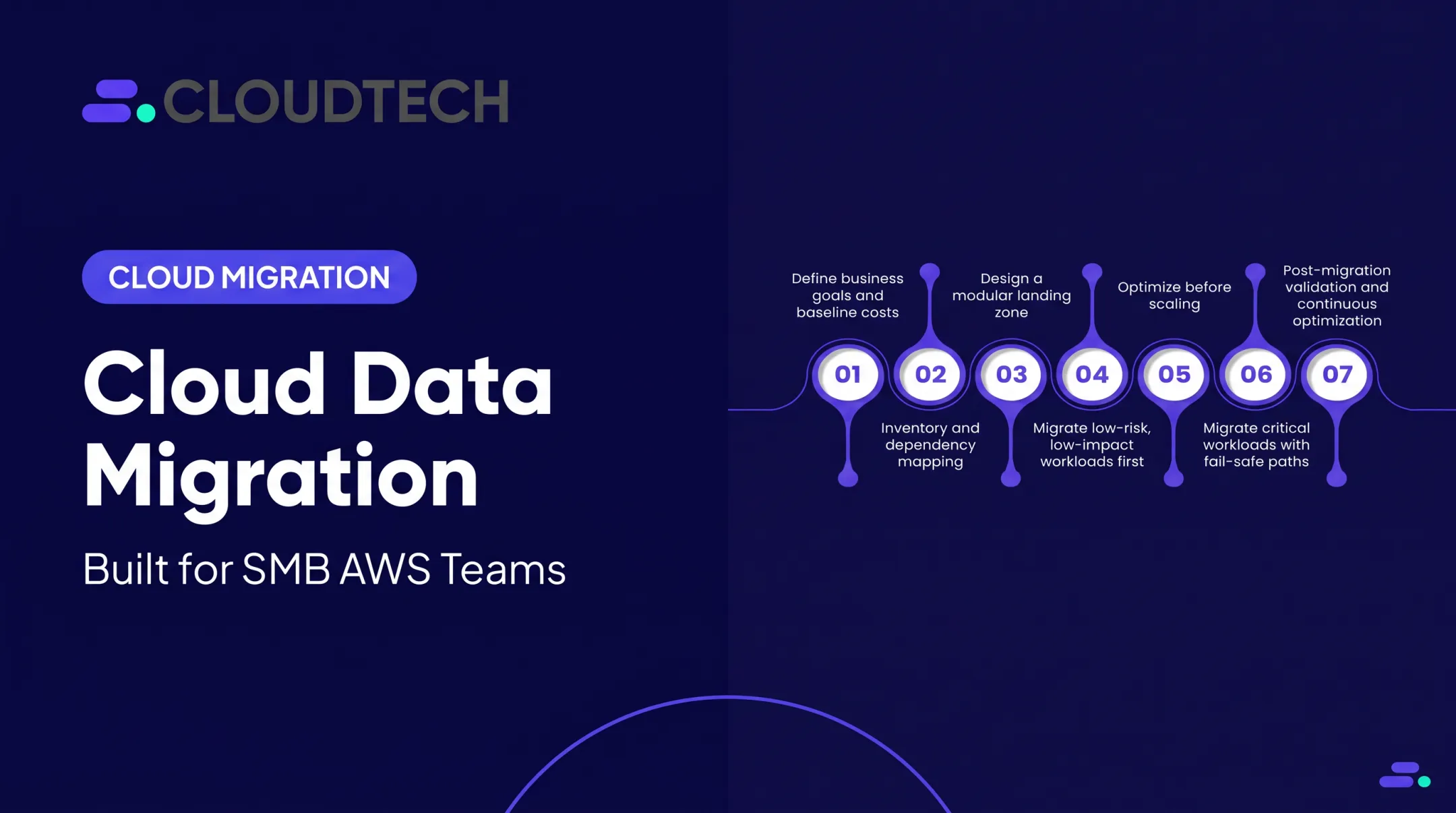
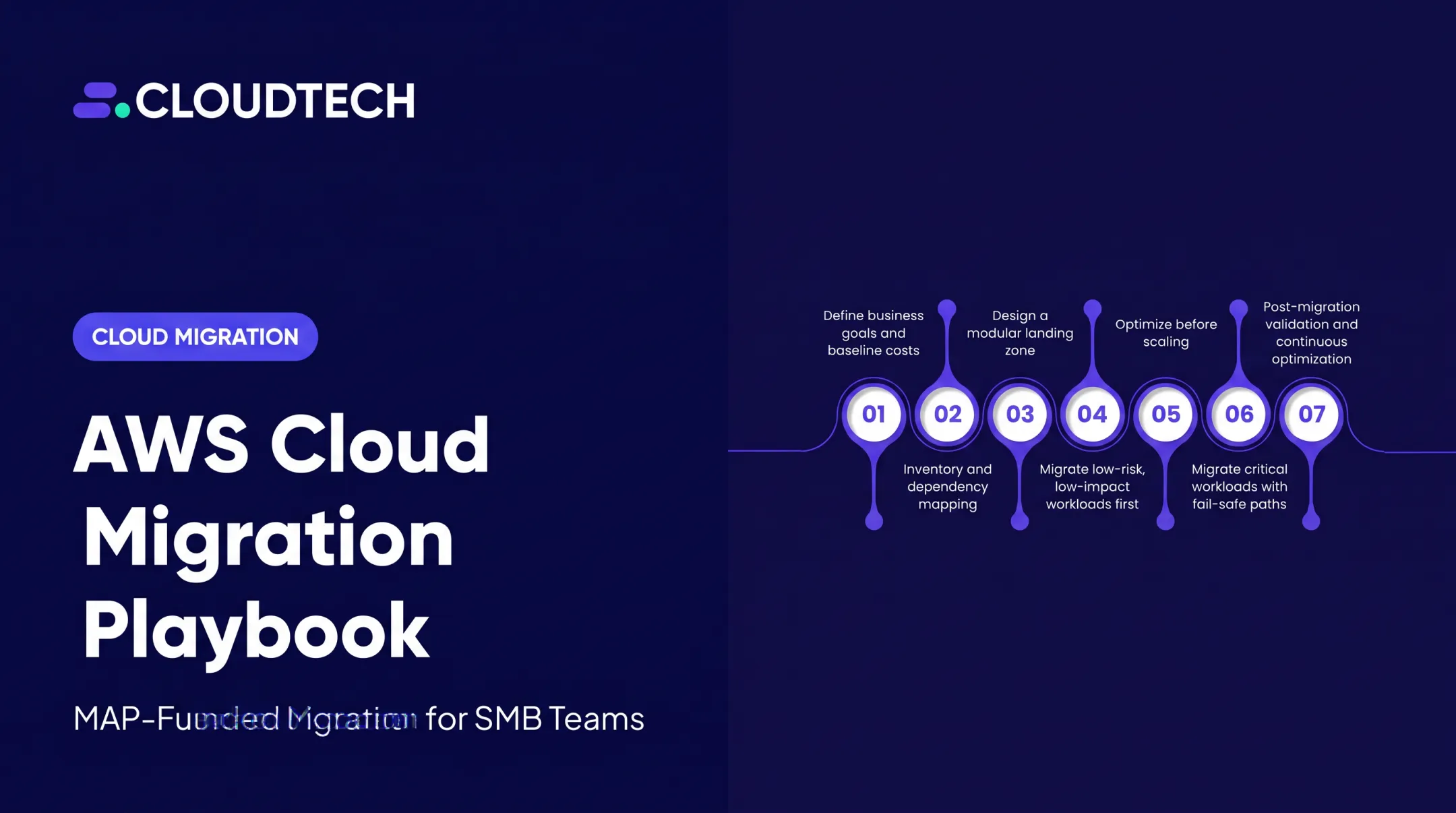
- Run migration in order: assessment, landing zone, pilots, phased waves, then validation.
- Security, compliance, and cost governance belong in the plan before go-live.
- Right-size resources post-migration to lock in the value you planned for.
What AWS Cloud Migration Is and Why It Matters
AWS cloud migration means moving workloads, applications, databases, files, and infrastructure capabilities into AWS. That can look like rehosting a server as-is, replatforming a database, refactoring an application into cloud-native services, or simply retiring something you no longer need.
Businesses pursue migration for a range of outcomes:
- Infrastructure flexibility and faster provisioning than physical hardware allows
- Improved resilience through managed backup, failover, and disaster recovery
- Managed services for analytics, databases, and AI
- Scale with demand instead of over-provisioning for peak load
Migration vs. Modernization
These two terms get used interchangeably, but they aren't the same thing. Migration changes where a workload runs. Modernization can also change the application's architecture, its operating model, its database engine, or the pipelines that deploy it. A rehosted application and a refactored one both count as "migrated," but only one has been modernized.
Why SMBs Consider AWS
Smaller teams often weigh a move to AWS because it reduces dependence on physical infrastructure and gives them access to enterprise-grade capabilities without an enterprise IT department.
One healthcare SMB Cloudtech worked with reported 77% in annual infrastructure-cost savings after replacing its managed services provider and migrating to AWS, with automated backup aligned to HIPAA retention and recovery requirements.
The AWS 7 Rs Decision Framework
AWS's current guidance defines seven workload strategies. This is a per-workload decision, not a sequence you apply to the whole organization at once.
| Strategy | What it means |
|---|---|
| Rehost | Move the application without changing it (fastest path) |
| Replatform | Move it with targeted improvements, no full redesign |
| Refactor/Re-architect | Redesign around cloud-native capabilities |
| Repurchase | Replace it with a SaaS or AWS Marketplace alternative |
| Relocate | Move a virtualized environment (VMware, Hyper-V) as a platform |
| Retain | Keep it where it is, for now |
| Retire | Decommission it |
Define success in measurable terms specific to each workload: acceptable downtime, recovery objectives, performance benchmarks, security findings resolved, and total cost of ownership. Don't borrow someone else's target number without validating it against your own environment first.
How AWS Cloud Migration Works
The end-to-end flow runs through five stages: assess, mobilize, migrate, validate, and optimize. These phases overlap across migration waves rather than happening in a strict straight line.

Step 1: Assess the Current Environment
Inventory every server, application, database, storage system, integration, and owner. Capture licensing, data classification, and utilization patterns.
Dependency mapping is the part teams skip, and it's the part that causes the most downstream pain. It identifies upstream and downstream systems, authentication dependencies, batch jobs, APIs, and latency-sensitive components that affect migration order.
Tools like AWS Migration Evaluator help build a directional cost case from this data. Always verify current tool names and capabilities before you commit, since AWS periodically restructures its discovery offerings.
Step 2: Choose Strategies and Build a Wave Plan
Apply the 7 Rs per workload, then group dependent systems into waves. Start with low-risk or representative workloads, not your most business-critical system. Selection criteria should include:
- Business criticality and downtime tolerance
- Technical complexity and compliance requirements
- Data volume and modernization value
- Team readiness for the workload's specific migration path
Step 3: Prepare the Landing Zone
Before anything moves, the foundation needs to exist: account structure, regions, VPCs, subnets, routing, IAM roles, logging, encryption, backup, monitoring, tagging, and budgets.
Cloudtech typically sets this up using AWS Control Tower or custom VPC architectures. IAM roles, CloudTrail, VPC Flow Logs, KMS, and Config rules get configured as guardrails from day one rather than bolted on after launch.
Step 4: Execute Data and Workload Migration
Match the tool to what's actually moving:
- AWS Transform MGN (formerly AWS Application Migration Service) for server rehosting, using continuous block-level replication
- AWS Database Migration Service (DMS) for database replication, including change data capture for ongoing sync
- AWS DataSync for file and object transfers, with built-in data-integrity validation
- Offline transfer options when network capacity makes them more practical
There's a real difference between an initial bulk copy, ongoing replication, test runs, and final cutover. Treating a completed data copy as "done" before testing it is one of the more common and expensive mistakes.
Step 5: Test, Cut Over, and Validate
Check application functionality, data completeness, integrations, performance, security controls, user access, and monitoring. Confirm backup recovery actually works, not just that a backup job ran.
A documented rollback plan is non-negotiable. It needs decision criteria, backup verification steps, DNS or routing procedures, stakeholder communications, and clear ownership for reversing or pausing the cutover. Route 53 weighted routing is a common mechanism for shifting traffic gradually and rolling back if something looks wrong.
Step 6: Optimize for Steady State
Right-size resources, remove unused infrastructure, tune storage tiers, and evaluate Savings Plans against your actual (not projected) usage. This is also when you document who owns what operationally going forward.
Where AWS Migration Is Applied and What Affects It
Migration targets vary widely. Common items on wave plans include:
- Virtual machines and web applications
- APIs and databases
- File servers, backups, and data warehouses
- Analytics pipelines and dev environments
- SaaS platforms
Common Triggers
- Data-center exit deadlines or lease expirations
- Hardware refresh cycles
- Business growth outpacing on-premises capacity
- Acquisitions requiring infrastructure consolidation
- Disaster-recovery requirements
- End-of-life platforms or security concerns
What Shapes the Outcome
These factors most often decide whether a migration stays on track:
- Source environment quality: technical debt, unsupported OS versions, licensing limits, and undocumented dependencies
- Workload characteristics: statefulness, storage needs, latency sensitivity, and seasonal demand swings
- Business requirements: acceptable downtime, recovery objectives, and data-residency rules
- Team capability: migration ownership, training needs, and who runs the workload after cutover
- Compliance constraints: least-privilege access, encryption, key management, and audit logging for regulated environments such as healthcare or financial services
The Shared Responsibility Model
AWS secures the underlying cloud infrastructure. You remain responsible for configuring services, managing identities, protecting data, and governing access according to the services you use (AWS Shared Responsibility Model). Moving a workload to AWS doesn't transfer your security obligations. It redraws where they sit.

Before any wave moves, confirm this readiness checklist:
- Approved business case and cost estimate
- Complete inventory and dependency map
- Strategy selected per workload
- Landing-zone design and security review
- Test plan and rollback plan
- Communications plan
- Named post-migration owner
Common Issues and When AWS Migration May Not Be Appropriate
Moving to AWS doesn't automatically reduce costs, eliminate operational work, guarantee compliance, or fix a poorly designed application. Those outcomes depend on what you do during and after the move, not on the platform itself.
Where Migrations Go Wrong
- Incomplete discovery that misses a critical dependency
- Weak identity controls carried over from the old environment
- Untracked data-transfer costs that show up on the first bill
- Insufficient database testing before cutover
- Missing observability once workloads are live
- Treating cutover as the finish line instead of the start of optimization
When a Direct Migration Isn't the Right Call
Some workloads are poor candidates for rehosting:
- Specialized hardware dependencies
- Strict latency requirements that the cloud can't meet as-is
- Unsupported licensing models
- Poor application health or unresolved data-quality problems
- A business case that simply doesn't justify the effort
In these cases, retaining, retiring, repurchasing, or refactoring may serve the workload better than a straight lift-and-shift. Make that call per workload, not as a blanket policy.

Once you decide a workload should move, run this risk-response checklist before each wave:
- Pilot first, then scale what works
- Phase waves instead of a big-bang cutover
- Test thoroughly before cutover
- Review security controls early
- Monitor cost continuously after go-live
- Verify backups and keep a rollback plan ready
- Communicate with stakeholders at each stage
Conclusion
AWS cloud migration is a structured transformation. A typical path covers:
- Assessment and strategy selection
- Secure foundation setup
- Phased execution and validation
- Ongoing optimization
There's no single right path. The right approach depends on each workload's dependencies, business value, risk tolerance, compliance needs, and modernization potential, not on adopting AWS services by default.
If you're an SMB or startup weighing migration, Cloudtech's AWS-certified team can walk you through a migration assessment or planning conversation to see what your environment needs.
Frequently Asked Questions
Is AWS Migration Hub still available?
Yes, for existing customers. AWS stopped accepting new customers for Migration Hub as of November 7, 2025, and now points new users toward AWS Transform (AWS Migration Hub documentation). Verify current availability before planning around it.
What are the three phases of AWS cloud migration?
Broadly: assessment/discovery, migration/implementation, and validation/optimization. Most real-world programs add a mobilization step for landing-zone setup and ongoing operations after go-live.
What is the best AWS migration strategy?
There isn't one universal best strategy. It depends on each workload, and may mean rehosting one application while refactoring another, retaining a third, and retiring a fourth entirely.
How long does an AWS migration take?
It depends on workload count, dependencies, data volume, compliance requirements, downtime tolerance, and team capacity. A single server can move in weeks; a full data-center exit can take many months.
How can I migrate to AWS without downtime?
Use continuous replication, phased waves, and parallel environments where appropriate. Test thoroughly, shift traffic gradually through DNS or routing changes, monitor closely, and keep a rollback plan ready.
How much does AWS cloud migration cost?
Separate one-time costs (discovery, planning, transfer, testing, labor) from ongoing AWS consumption, support, and licensing. The AWS Pricing Calculator and a workload-specific assessment give a more realistic number than a generic estimate.