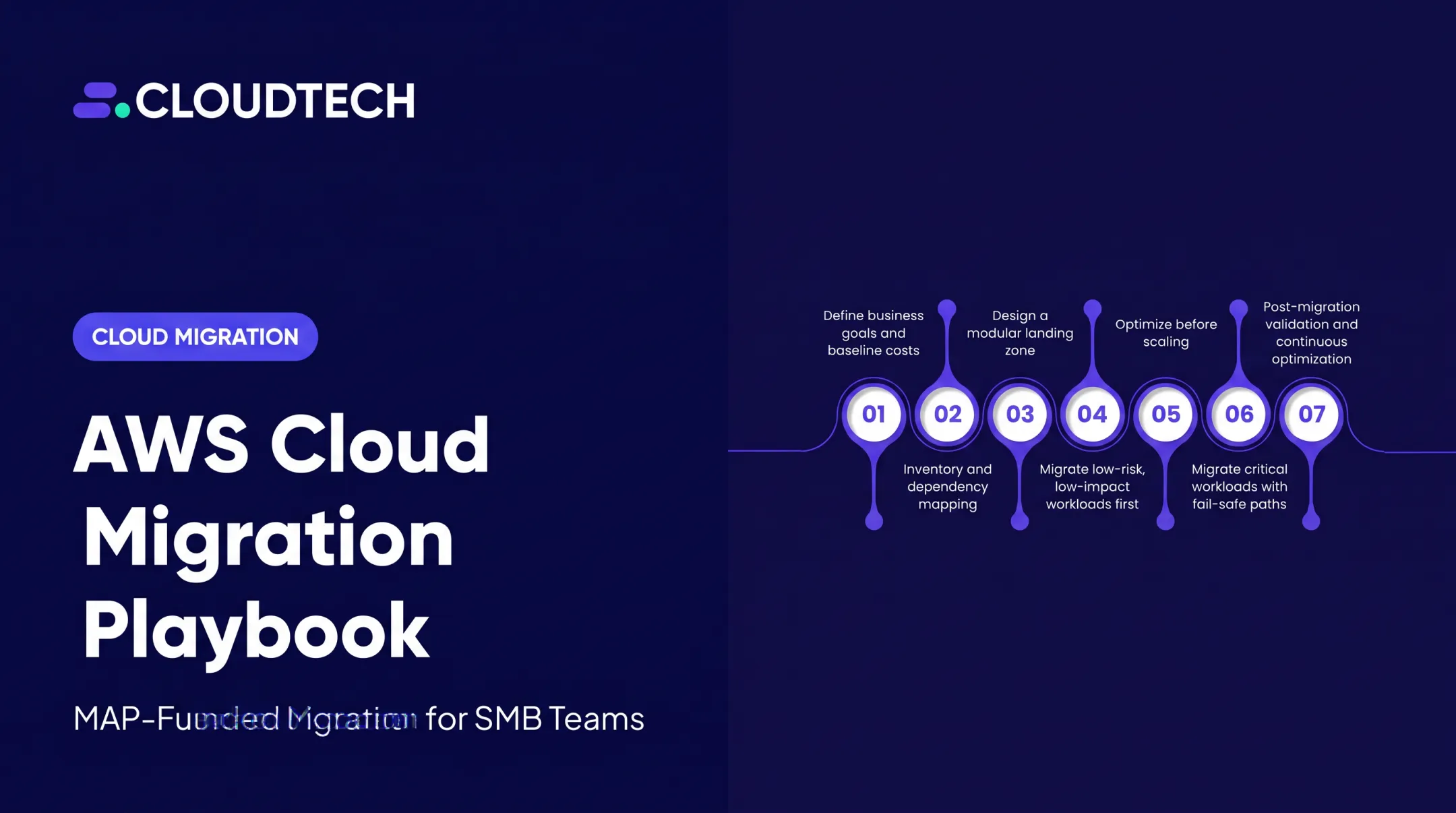
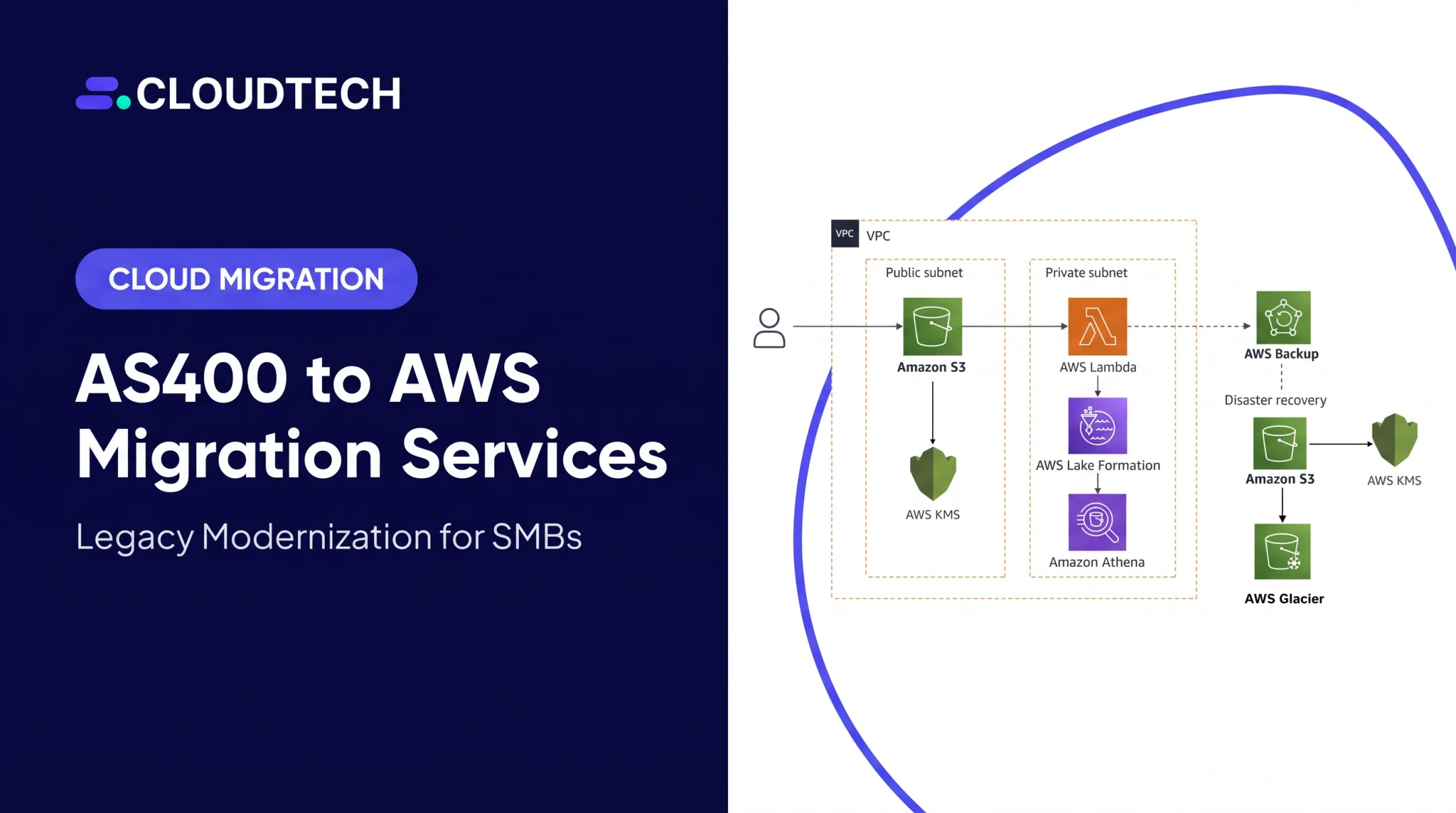
This guide is written for IT directors, CTOs, and technical leaders in data-intensive industries like healthcare, financial services, and SaaS. For these sectors, migration isn't optional — it's tied directly to security, regulatory compliance, and the ability to scale.
Legacy data migration comes up constantly in digital transformation conversations, yet the operational mechanics — schema mapping, validation, cutover sequencing — rarely get the attention they deserve. This article breaks down how the process actually works, what influences its success, where teams go wrong, and when migration isn't the right call at all.
Key Takeaways
- Move critical business data off unsupported legacy systems into cloud-native environments built for scale.
- Success depends on rigorous discovery, automated cleansing, and field-level schema mapping.
- Modern platforms cut infrastructure overhead while unlocking faster queries and AI-ready analytics.
- Most failures stem from weak validation, treating migration as an afterthought, or skipping stakeholder alignment.
What Is the Legacy Data Migration Process?
At a technical level, legacy data migration moves stored records, relational databases, and unstructured files off aging on-premises servers or end-of-life platforms and into modern architectures. That could mean shifting a decade-old SQL Server instance into Amazon Aurora, or consolidating scattered file shares into Amazon S3.
The goal is a secure, accessible single source of truth that keeps daily business operations running without interruption. Done right, clinical staff, finance teams, or operations managers shouldn't notice a disruption. They should just notice things getting faster.
Migration differs from two commonly confused terms:
- Data conversion focuses narrowly on transforming data format or structure, such as converting a flat file into JSON. It's often a component of migration, not the whole project.
- Data integration consolidates live, distributed feeds from multiple active systems into one view. Migration, by contrast, deals with moving data at rest from a system being retired.
Tools like AWS Database Migration Service (DMS) illustrate the distinction well. DMS moves structured data from legacy sources into Amazon RDS, Aurora, DynamoDB, or Redshift, and it can use change data capture (CDC) to replicate changes continuously during a transition, rather than a single all-at-once jump.
Why and Where Legacy Data Migration Happens in Enterprise IT
Why and Where Legacy Data Migration Happens
Organizations rarely migrate data for sentimental reasons. The drivers are financial, operational, and increasingly regulatory.
Operational and financial drivers:
- Reducing legacy licensing and maintenance costs
- Eliminating hardware failure risk on aging infrastructure
- Enabling cloud-native capabilities like elastic scaling and built-in backups
- Supporting high-performance queries that legacy systems simply can't deliver
IDC modeled a 258% three-year ROI and 43% lower three-year operating costs for organizations using Amazon RDS compared with prior database approaches.

That figure reflects RDS adoption specifically among surveyed customers, not a universal migration-project benchmark. Still, it signals the scale of savings available when legacy database overhead disappears.
Leaving data in legacy silos carries compounding costs: technical debt piles up, security patches stop arriving, and vendors eventually abandon support entirely.
A regional outpatient clinic running a custom-built EHR on an aging on-premises SQL Server, for example, struggled to sync patient records across locations. Care coordination slowed, and staff had to reconcile duplicate entries manually.
Where migration actually happens:
Legacy migration shows up at specific points in the technology lifecycle:
- Cloud migration initiatives and infrastructure sunsetting
- Mergers and acquisitions, where disparate systems must merge
- Vendor end-of-support notices for ERP or EHR platforms
- Database scaling bottlenecks that threaten performance
SAPinsider's 2025 survey of 170 respondents found 57% cited the approaching end of SAP ECC/Business Suite maintenance as a primary migration driver. Support deadlines force the issue even when teams would otherwise delay.
In healthcare, Tufts Medicine transferred 4 million patient records to initialize its cloud-hosted EHR on AWS. That scale would be unmanageable without automated discovery and validation tooling.
Whether compliance (HIPAA, GDPR, SOC 2), best practice, or a modernization mandate drives the project, migrations typically take one of three shapes:
- A one-time cutover
- A phased hybrid rollout
- Continuous synchronization during an extended transition
How the Legacy Data Migration Process Works
At a high level, the migration pipeline runs from source data discovery through to target database cutover. Inputs include legacy database schemas, raw unstructured files, compliance rules, and whatever data dictionary documentation still exists (often incomplete).
The core transformation work extracts data, sanitizes it, normalizes formats, and reshapes it to match the target schema. Staging environments, automated validation scripts, and rollback triggers keep the pipeline controlled throughout. Working with AWS-certified cloud solutions architects such as Cloudtech helps de-risk complex pipelines, since schema mismatches and edge cases surface constantly during real-world migrations.

Done well, the result is improved accessibility, standardized schemas, and cloud-native scalability.
Step 1: Pre-Migration Discovery, Auditing, and Data Mapping
Before moving a single record, teams audit legacy data stores to separate active records from historical archives. AWS Application Discovery Service can automatically collect CPU, memory, disk, and network usage data while mapping application dependencies across on-premises environments. That mapping surfaces hidden connections that would otherwise break post-migration.
This phase also defines field-by-field schema mappings and establishes baseline quality metrics. Skipping this step is the single most common cause of downstream data corruption.
Step 2: Data Extraction, Cleansing, and Transformation
ETL or ELT pipelines extract data, then cleanse and reformat it. AWS Glue handles much of this work. Its crawlers scan S3 and supported data stores to infer structure and detect schema drift automatically.
Key transformation tasks typically include:
- Programmatic deduplication to eliminate redundant records
- Reformatting obsolete field types (fixed-width files, legacy date formats, custom encodings)
- Running pilot tests on representative data samples before full-scale extraction
- Validating edge cases that a quick scan would miss
One clinic's pilot run caught an undocumented on-premises directory-service dependency before full migration. A separate organization that skipped the pilot got locked out of its patient-management system for hours when that same dependency surfaced mid-cutover.
Step 3: Loading, Integrity Validation, and System Cutover
Data loads into the target cloud database (Amazon Aurora or Amazon RDS, for example), followed by reconciliation checks comparing source and target records row by row. User acceptance testing (UAT) confirms the data actually supports real business workflows, not just that it transferred.
Finally comes decommissioning: finalizing the shutdown plan for legacy infrastructure only after cutover is verified stable.
Key Factors and Common Pitfalls in Legacy Data Migration
Several variables determine how long a migration takes and how smoothly it goes.
Technical and environmental factors:
- Quality, format variety, and volume of data across legacy sources
- Network bandwidth and available maintenance windows
- Source-target dependencies and proprietary API constraints
- Batch size scaling and cloud landing zone configuration
- Industry-specific mandates like HIPAA encryption-in-transit requirements
AWS DataSync's own estimation model shows how quickly these variables compound: moving 100 TB at 1 Gbps with 80% network utilization across 24 hours a day takes a theoretical minimum of 11.57 days — before accounting for real-world overhead like validation and reconciliation.

Where teams get it wrong:
- Treating migration as lift-and-shift copy-paste instead of re-architecting — skipped cleansing copies duplicates and corruption into the new system at scale
- Confusing technical success (data transferred) with operational success (verified, usable, and mapped to real workflows), so truncated fields or unmapped metadata break downstream reports
- Trusting clean pilot benchmarks on a small sample; the full dataset's edge cases often behave differently
When Legacy Data Migration May Not Be the Right Move
Full-scale migration isn't always the answer. Consider alternatives when:
- Data has exceeded retention limits. Obsolete or non-compliant records that have outlived statutory requirements need deletion, not a new home.
- Storage and egress costs outweigh the benefit. Loading every raw byte into an active database creates unjustifiable cloud costs when most of that data is rarely accessed.
- Archiving fits better than loading. Cold tiers like Amazon S3 Glacier Flexible Retrieval or Deep Archive cost far less than keeping dormant records in a live database (restore requests still carry retrieval charges).
- Virtualization or a clean-slate rebuild fits better. Querying data in place, or rebuilding the application fresh, sometimes beats migrating legacy baggage at all.
A useful signal that something's off: if nobody on the team can articulate why a specific dataset needs to move beyond "it's always lived there," the migration is happening by default rather than by validated business need.
Conclusion
Legacy data migration done properly is structured re-architecting. Thorough discovery, disciplined cleansing, and granular schema mapping separate a migration that holds up under real business use from one that breaks six months later.
Prioritize intentional modernization over rushed, unvalidated transfers. That may mean partnering with AWS-certified architects, running a phased rollout, or keeping some data in cold storage instead of a live database. Treat those choices as the path to a secure, cloud-native foundation your team can build on with confidence.
Frequently Asked Questions
What is a legacy migration strategy?
A legacy migration strategy is a roadmap for how an organization evaluates, cleanses, maps, tests, and transfers legacy data and applications to modern systems. It aligns technical work with business goals before any data moves.
What is legacy data migration?
Legacy data migration is the process of transferring historical and operational datasets from obsolete platforms to modern cloud or on-premises environments while preserving data integrity.
What does "legacy data" mean?
Legacy data refers to information stored in outdated formats, obsolete database structures, or discontinued software systems. It's typically difficult to access, integrate, or maintain without specialized tools.
What is the difference between legacy data migration and data conversion?
Migration moves data between systems or storage environments. Data conversion translates the format or schema during that transfer, making it one component of a broader migration.
How long does a typical legacy data migration project take?
Timelines range from several weeks for small, standardized database migrations to several months for complex systems with extensive legacy dependencies. Data volume, network bandwidth, and validation requirements all affect the schedule.
What are the biggest risks during legacy data migration?
Data corruption, unexpected downtime, unmapped metadata fields, and security vulnerabilities during extraction and transit top the list. Thorough pilot testing and reconciliation checks catch most of these before they reach production.