Without solid planning, you're exposed to unexpected egress fees, dependency failures that take down integrations, downtime during cutover, security gaps in rushed configurations, and unclear ownership once workloads land in AWS. Low adoption follows naturally when teams weren't prepared for how their day-to-day work changes.
This guide walks through five stages: assessing your current environment, picking the right migration strategy per workload, building a phased project plan, using AWS tools with intention, and optimizing after cutover.
Key Takeaways
- Start with measurable business objectives, a full workload inventory, and documented dependencies before touching AWS services.
- Apply the AWS 7 Rs individually to each application and database rather than one blanket strategy.
- Bake security, cost controls, testing, rollback, and post-migration operations into the plan from day one.
- Confirm current AWS service capabilities and pricing before locking in your roadmap or toolset.
Build the Foundation for an AWS Migration
Every AWS migration that stays on budget starts with a business case, not a service list. Before anyone picks a tool, define why you're migrating: faster product delivery, lower infrastructure overhead, better disaster recovery, compliance requirements, or all of the above.
AWS's own prescriptive guidance backs this up. The first phase of any structured migration is a cloud-readiness assessment that produces a business case and TCO analysis before any workload moves.
Set Measurable Success Criteria
Vague goals like "get to the cloud" don't hold anyone accountable. Instead, define:
- Acceptable downtime, such as a 15-minute RTO for a payment system
- Data freshness targets — a 5-minute RPO means real-time replication via AWS DMS or cross-region S3 replication, not nightly backups
- Budget boundaries, including a target to cut CapEx-heavy spend by a set percentage within 12 months
- Operational-readiness milestones, with the team trained on AWS billing, IAM, and the shared responsibility model before go-live
Tighter RTO/RPO targets mean pricier infrastructure. Match your recovery ambitions to what the workload is actually worth to the business.
Run Discovery Before You Plan Anything
You can't migrate what you haven't catalogued. Discovery means mapping every application, server, database, integration, and license constraint you own.
AWS Application Discovery Service automatically collects CPU, memory, disk, and network usage data from on-premises servers, along with dependency mapping. Systems Manager Inventory fills in the metadata gaps.
Cloudtech layers custom telemetry on top of these tools to catch what generic discovery misses — on-premises authentication tied to an EHR platform, or a payroll job fired by a cron schedule nobody documented.
Common blind spots include:
- Undocumented APIs and shared databases
- Batch jobs running on schedules only one person remembers
- Third-party connectors with hardcoded credentials
- Customer portals dependent on a database that's about to move
Miss any of these and you find out at cutover, when a portal loses database access or a payroll job never fires.
Put Governance in Place Early
Someone needs to own decisions when the plan hits a snag. That means naming executive sponsors, technical owners, security reviewers, and finance stakeholders before migration starts, not after the first fire drill.
Finance teams specifically need to understand AWS billing mechanics, including Savings Plans and Reserved Instances, before workloads land. Without that context, the first invoice is noise instead of a signal you can act on.
Choose the Right AWS Migration Strategy for Each Workload
There's no single "AWS migration strategy." There are seven, and picking the wrong one for a given workload either wastes effort or creates technical debt you'll pay for later.
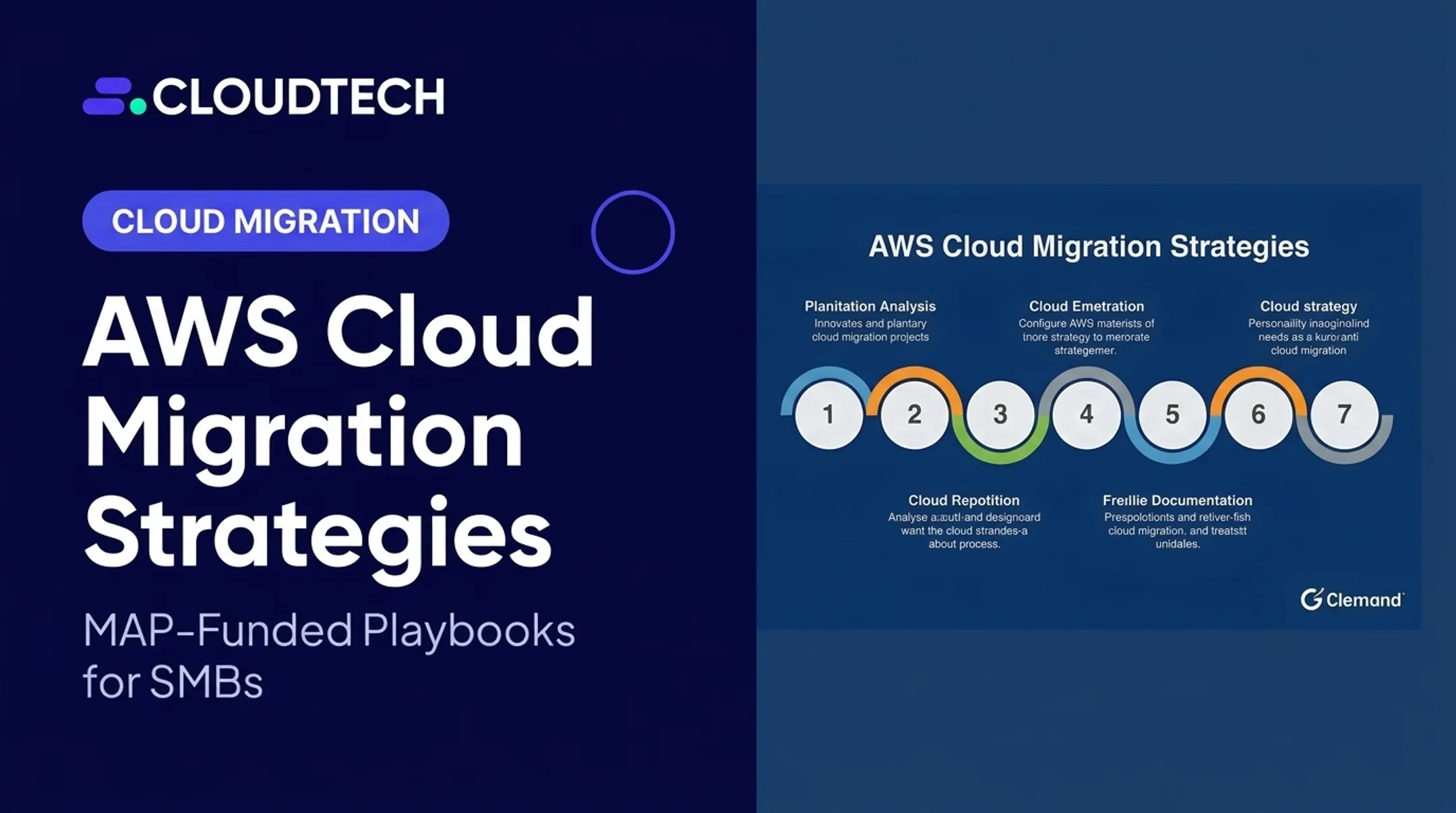
The AWS 7 Rs — as AWS's own prescriptive guidance defines them — are:
| Strategy | What it means | Best fit |
|---|---|---|
| Rehost | Move as-is, no changes | Stable workloads, urgent data-center exits |
| Relocate | Bulk-move virtualized environments to a cloud version of the platform | Large VMware estates needing speed |
| Replatform | Minor optimization during the move | Databases moving to Amazon RDS, config tweaks |
| Repurchase | Swap for SaaS or a Marketplace product | Legacy software with a modern cloud-native equivalent |
| Refactor | Redesign for cloud-native features | High-value apps needing agility or scale AWS provides natively |
| Retire | Shut it down | Redundant or unused systems |
| Retain | Leave it where it is | Not ready, or no business case to move it yet |

When Rehosting Makes Sense
Rehosting, or lift-and-shift, is the fastest path onto AWS. It's the right call when:
- You're facing a data-center exit deadline
- The workload is stable and well understood
- You need an early win to build migration momentum
The tradeoff: you don't get auto-scaling or cost efficiencies until you rightsize afterward. Amazon EC2 typically hosts the rehosted workload, with AWS Application Migration Service (MGN) handling server replication for minimal-downtime cutovers.
When Replatforming or Relocating Fits
Replatform when a component is due for a refresh anyway — moving a database to Amazon RDS, for example, adds managed backups and patching without a full application rewrite.
Relocate fits large virtualized estates (such as VMware) that need to move in bulk onto a cloud version of the same platform with minimal change to guest workloads.
When Repurchasing or Refactoring Pays Off
Repurchase when a legacy system already has a modern SaaS or AWS Marketplace equivalent built for the cloud. Refactoring is the heavier lift: redesigning for serverless (AWS Lambda), containers (ECS/EKS), or managed data services.
AWS itself advises against combining refactoring with a large migration. Modernize after you've landed, not during the move, unless the workload specifically demands it.
Retire and Retain: Don't Skip These
Retire candidates are apps nobody uses anymore that still show up on the invoice. Retain candidates are real workloads staying on-premises or hybrid for now.
Document both explicitly. Otherwise they become blind spots that surface months later when someone asks why a system is still running.
Cloudtech prioritizes each workload by business impact, risk, and cost — then applies the matching R — so SMB and mid-market portfolios move with intent instead of one blanket pattern.
Turn the Strategy Into an Executable AWS Migration Plan
A strategy without a plan is a wish list. Document these elements in one place:
- Scope and owners
- Dependencies and milestones
- Budget assumptions
- Risks and rollback requirements
Organize Around Practical Phases
Structure the work in phases that build on each other:
- Assess and discover — inventory, dependencies, business case
- Mobilize and design — landing zone, governance, target architecture
- Pilot and test — prove the approach on a low-risk workload
- Migrate in waves — execute in sequenced batches
- Cut over — switch production traffic
- Stabilize and optimize — fix, tune, hand off to operations
Sequence Your Waves Intelligently
Wave order should reflect business criticality, technical complexity, dependency chains, data sensitivity, and user impact — plus where you can bank an early learning win. Cloudtech typically starts with internal tools, dev/test environments, or archival data before moving to anything customer-facing.
Before locking wave order, run a pilot that represents your broader environment. Use a staging VPC that mirrors production, establish CloudWatch baseline metrics, and test compatibility, latency, and cost variance.
Lessons from the pilot (IAM permission tweaks, storage tier decisions, tagging fixes) should feed directly into the runbooks for later waves.
Plan Cutover as the Main Event
Cutover is where plans meet reality. Before flipping the switch:
- Pre-stage and test database snapshots and read replicas
- Use blue/green deployment patterns (ECS with an Application Load Balancer, or CodeDeploy) to validate before live traffic hits
- Shift traffic gradually with Route 53 weighted routing, so you can roll back fast if something's off
- Take an AWS Backup snapshot immediately before the switch
- Monitor the transition in real time with CloudTrail and AWS Config

AWS's own cutover guidance is explicit: testing and validation must happen before you mark a migration complete, not after.
Use AWS Migration Tools and Automation Deliberately
Tools accelerate execution. They don't replace the thinking you did in discovery and strategy selection.
Match tools to the job:
- Discovery — AWS Application Discovery Service, Systems Manager Inventory
- Server migration — AWS Application Migration Service (MGN) for real-time replication and minimal-downtime cutovers
- Database migration — AWS Database Migration Service (DMS) for live replication and near-zero-downtime cutovers
- File and object transfer — AWS DataSync for online transfer; AWS Snowball for offline or petabyte-scale moves
- Tracking — AWS Migration Hub, consolidating inventory and wave progress in one dashboard
- Infrastructure as code — AWS CloudFormation or AWS CDK to rebuild environments identically and cut deployment time from days to minutes
Cloudtech holds AWS Partner credentials for CloudFormation delivery and matches MGN, DMS, DataSync, and Control Tower to each workload instead of defaulting to one toolkit.
One caution: tools surface problems, they don't fix planning gaps. Missed dependencies, oversized infrastructure, or fragmented tracking will still bite you even with the best automation running.
Build Security, Compliance, and Risk Controls Into the Plan
AWS secures the cloud infrastructure. You secure everything you put in it — data, configuration, guest OS, IAM settings. That's the shared responsibility model, and it needs to be understood before a single workload moves, not discovered afterward.
Pre-Migration Security Checklist
- IAM roles with temporary, scoped permissions (not broad standing access)
- Secrets Manager for credential rotation instead of hardcoded passwords
- KMS encryption on data at rest and in transit
- VPC segmentation isolating dev, test, and production
- CloudTrail and Config logging enabled from account creation
One regional HR software company discovered hardcoded database credentials and multiple unpatched packages only after rehosting to EC2 — problems that existed before migration but became urgent once exposed on new infrastructure.
For Regulated Industries
Healthcare, financial services, and life sciences organizations carry extra weight: data classification, retention rules, audit trails, and residency requirements. Document these before migration, and verify current requirements for your specific sector — HIPAA, SOC 2, or FINRA obligations don't pause during a migration.
Which AWS Service Handles Automated Security Assessments?
Build these checks into the migration plan early — the right service depends on what you mean by "assessment."
- Amazon Inspector continuously scans EC2 instances and container images for software vulnerabilities.
- AWS Security Hub aggregates findings and runs continuous checks against security benchmarks.
- AWS Config rules (such as flagging public S3 buckets) catch configuration violations in real time.

These are three distinct capabilities, not one tool wearing different hats. Don't assume enabling Inspector covers your compliance-evidence needs, or vice versa.
Plan for Data, Testing, and Business Continuity
Data migration is where "almost right" causes the most damage. A record that doesn't sync, a validation check that's skipped, a backup that was never tested — these surface at the worst possible moment.
Choose the Right Transfer Method
| Method | Best for |
|---|---|
| Online replication (DMS) | Databases needing near-zero downtime |
| Staged transfer | Large datasets with tolerance for phased cutover |
| Batch migration | Non-critical data, off-hours transfer windows |
| Offline (Snowball) | Petabyte-scale volumes, limited bandwidth |
Define Your Test Stages
Before go-live, validate:
- Infrastructure performance under expected load
- Application functionality end-to-end
- Integration points with third-party systems
- Backup and restore procedures
- Disaster recovery failover
Validation checks that matter:
- Record counts and checksums
- Reconciliation reports comparing source to target
- Application transaction tests
"Looks fine in the dashboard" is not enough.
Set RTO and RPO Before You Need Them
RTO defines how much downtime you can tolerate; RPO defines how much data loss is acceptable. A payment system might need a 15-minute RTO and a 5-minute RPO, which means near-real-time replication rather than nightly backups.
AWS Elastic Disaster Recovery continuously replicates to a staging area and can spin up resources in minutes. That matters for workloads where "we'll restore from last night's backup" isn't good enough.
Continuity planning also includes a parallel-run period: old and new environments operate side by side so issues surface before they reach customers.
Optimize and Operate the AWS Environment After Migration
Cutover is a checkpoint, not a finish line. Expect a stabilization period where defects surface, performance gets tuned, and operational ownership formally transfers from the migration team to the operations team.
Post-Migration Priorities
- Rightsize EC2, RDS, and Lambda with AWS Compute Optimizer to cut overprovisioned spend
- Move aging data to cheaper tiers automatically with S3 lifecycle rules
- Enforce cost visibility through Cost Explorer, Budgets, and organization-wide tagging
- Catch unusual spend early with Cost Anomaly Detection
- Shut down idle EC2, RDS, and Lambda using CloudWatch alarms on unused resources
Handover Checklist
Before the migration team steps back, confirm the operations team has:
- Current architecture diagrams and runbooks
- Documented access procedures and alert thresholds
- Tested backup and recovery processes
- Clear incident-response ownership
Once handover is complete, the focus shifts to stabilization and continuous optimization. Cloudtech supports this phase with CloudWatch dashboards, AWS X-Ray tracing for early performance-issue detection, and a follow-up pass using Cost Explorer and Compute Optimizer once workloads are live.
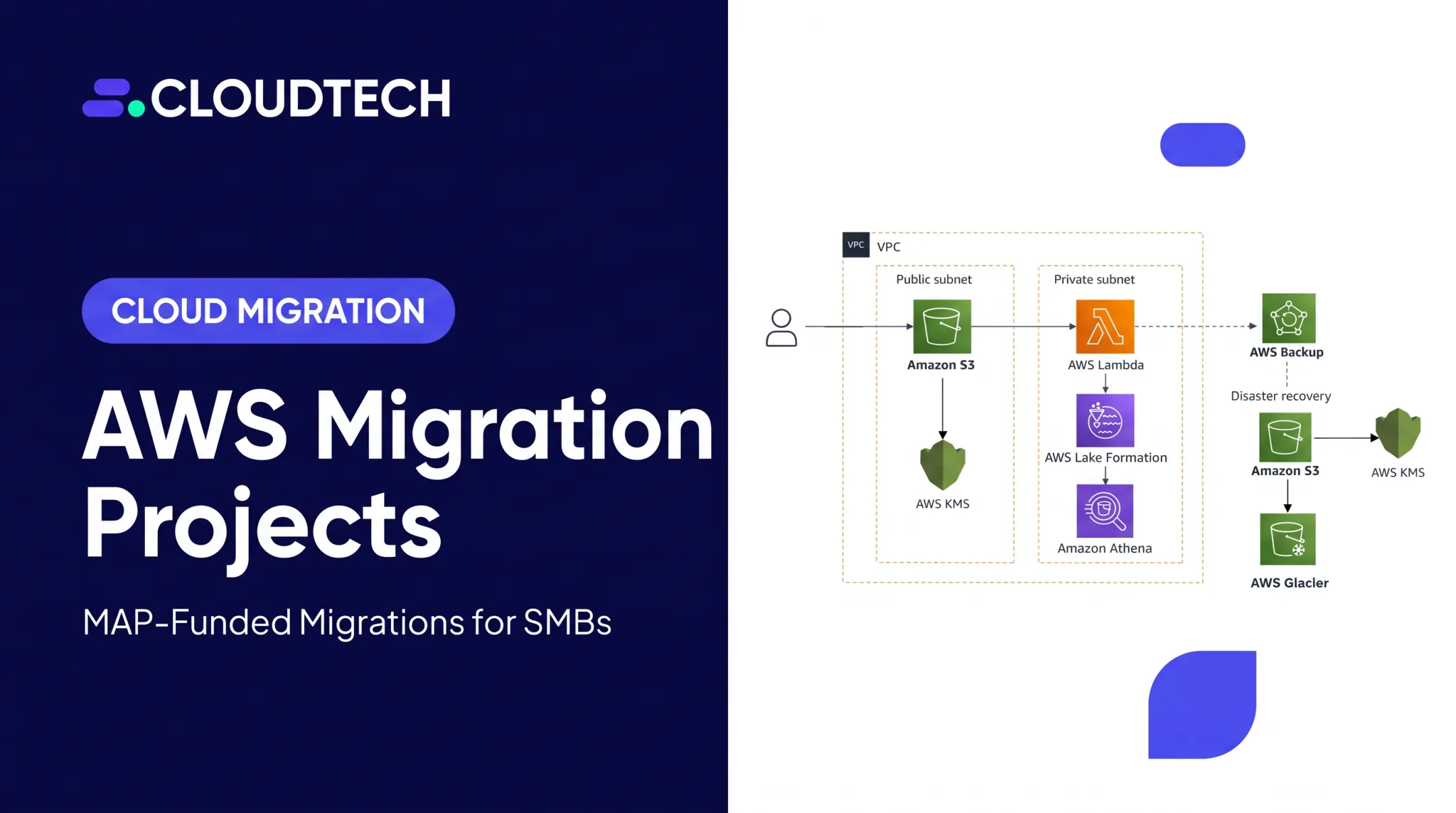
For Klamath Health Partnership, that work produced a HIPAA-compliant data lake for EHR data, with backup policies sized to their RPO and RTO targets from day one. Cloudtech's AWS-certified consultants stay embedded through optimize-and-operate so SMB teams can lock in performance, cost control, and compliance without standing up a separate ops layer.

Frequently Asked Questions
How do I plan for an AWS cloud migration?
Start with business objectives and a full workload inventory, then classify each workload using the 7 Rs. Build security foundations early, execute in phased waves with testing at each stage, and validate before cutover — then optimize continuously afterward.
What is a cloud migration project plan?
It's a documented roadmap covering scope, workload inventory, migration waves, owners, dependencies, timeline, budget, risks, testing procedures, and rollback steps. Think of it as the single source of truth everyone references when something changes.
What are AWS migration tools?
They fall into categories: discovery (Application Discovery Service), server migration (Application Migration Service (MGN)), database migration (DMS), data transfer (DataSync, Snowball), and tracking (Migration Hub). Each addresses a specific stage, not the whole migration.
Which AWS service handles automated security assessments?
Amazon Inspector handles automated vulnerability scanning for EC2 and container images. Security Hub provides posture management, and Config handles compliance checks — three separate tools for three separate jobs, not one all-in-one assessment.
How long does an AWS migration take?
It varies by workload count and complexity. Simple rehosts can complete in weeks; portfolios with heavy refactoring or regulated-data requirements often run months. Wave-based planning lets you show progress early rather than waiting for a single big-bang cutover.