Cloud migration means moving selected data, applications, infrastructure, or workflows from on-premises systems or legacy hosting into cloud-based services. Done right, it's not a tech project for its own sake — it's a way to solve a specific business problem.
In 2024, 50% of American small businesses reported using cloud-based tools for document and data storage, management, or backup, according to an IONOS survey of SMB professionals. That's a workload-specific number, not proof that every small business has "migrated to the cloud" — because migration isn't one single move.
This guide is for small-business owners, startup leaders, and lean IT teams. We'll cover the benefits, the migration approaches, a real implementation sequence, cost considerations, risks, and when migration simply isn't worth it.
Key Takeaways
- Cloud migration can mean SaaS, email and files, server rehosting, app modernization, or leaving some systems on-prem.
- Strongest business cases tie migration to one goal: less maintenance, secure remote access, resilience, or growth.
- Phased migrations with a pilot, backup plan, and training carry far less risk than overnight cutovers.
- Security is shared: the provider secures infrastructure; you own identities, access, backups, and compliance.
What Is Cloud Migration for Small Businesses—and Why Is It Used?
Cloud migration isn't the same as simply signing up for an online tool. It's the planned move of existing digital assets—data, applications, servers, databases, files, or entire workflows—out of on-premises or legacy hosting and into cloud infrastructure.
These terms get mixed up often, so keep them distinct:
- Cloud migration: moving something that already exists into the cloud.
- Cloud adoption: the broader, ongoing decision to use cloud technologies, of which migration is one part.
- Cloud hosting: running an application on cloud servers, which doesn't necessarily involve moving anything.
- Digital transformation: a wider shift in how the business uses technology, not a synonym for relocating a server.
What Small Businesses Actually Get Out of It
Most SMBs aren't migrating for the sake of it. The common goals include:
- Flexible capacity that scales up during busy seasons and down when it's quiet
- Remote access for distributed or hybrid teams
- Less time spent patching and maintaining physical servers
- Stronger business continuity if hardware fails or a location goes offline
- A foundation for analytics and automation down the road
The Cost Model Shifts, It Doesn't Disappear
Moving to the cloud trades upfront capital spending on servers and data-center space for ongoing, usage-based pricing. That's often cheaper, but not automatically.
You still need to account for:
- Subscriptions and licensing
- Compute and storage charges
- Support and data-transfer fees
- The one-time cost of the migration itself
Small businesses with limited internal IT, seasonal demand swings, distributed teams, or aging hardware tend to be the best candidates.
A retail shop with a holiday traffic spike or a healthcare practice buried in paper records both have a clear reason to move. The goal should define the approach, not the other way around.
How Cloud Migration Works: A Practical End-to-End Flow
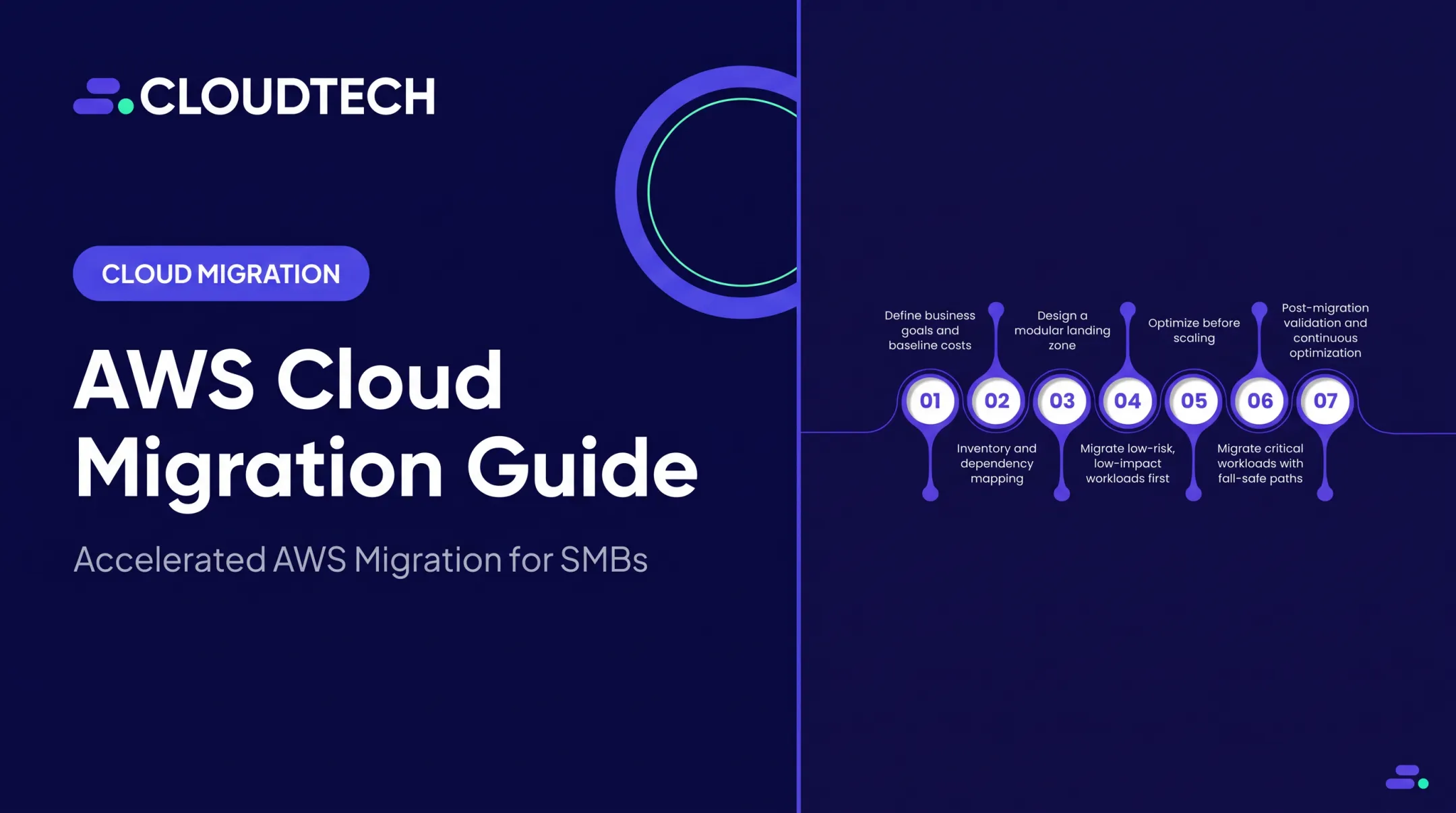
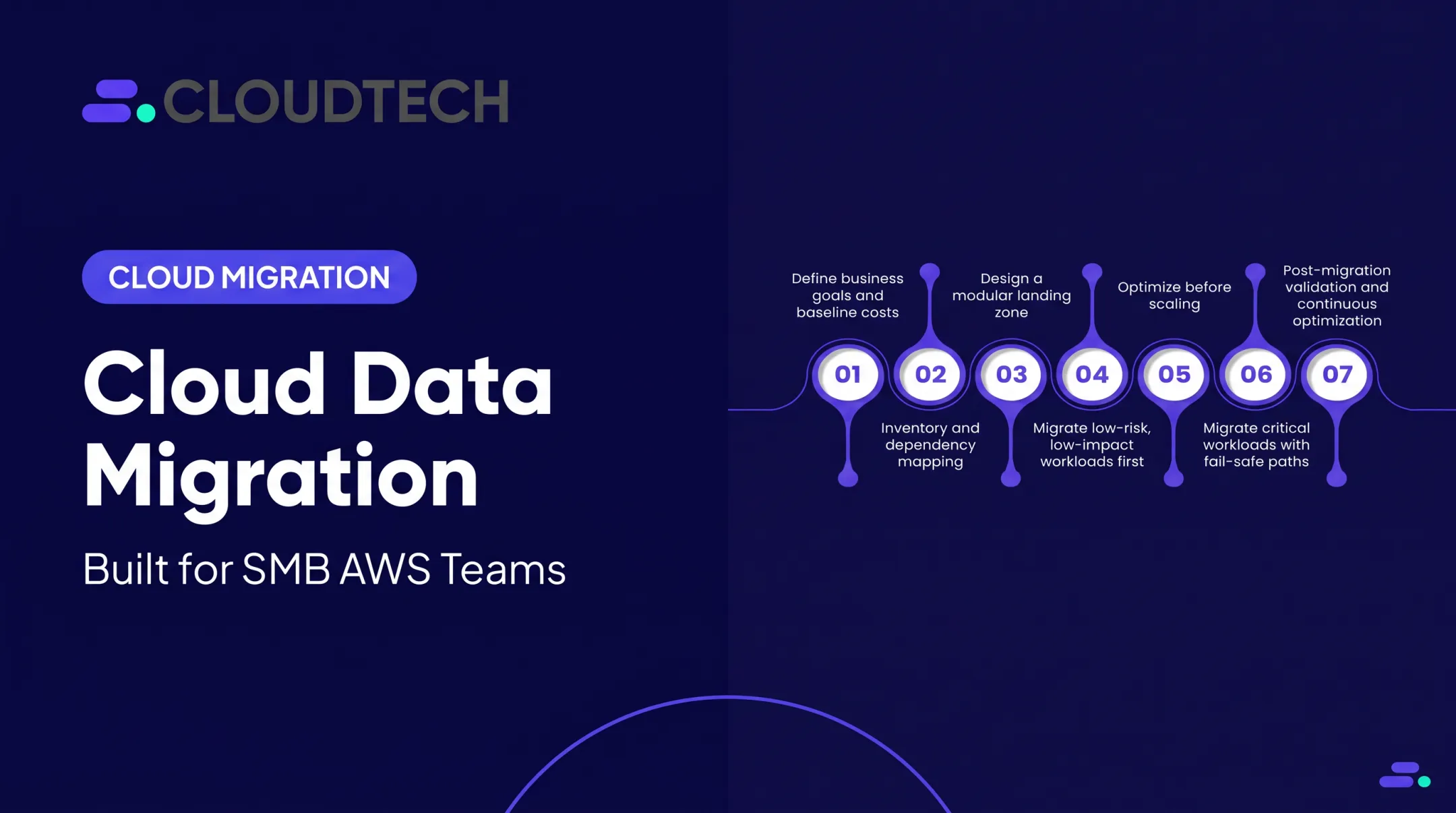
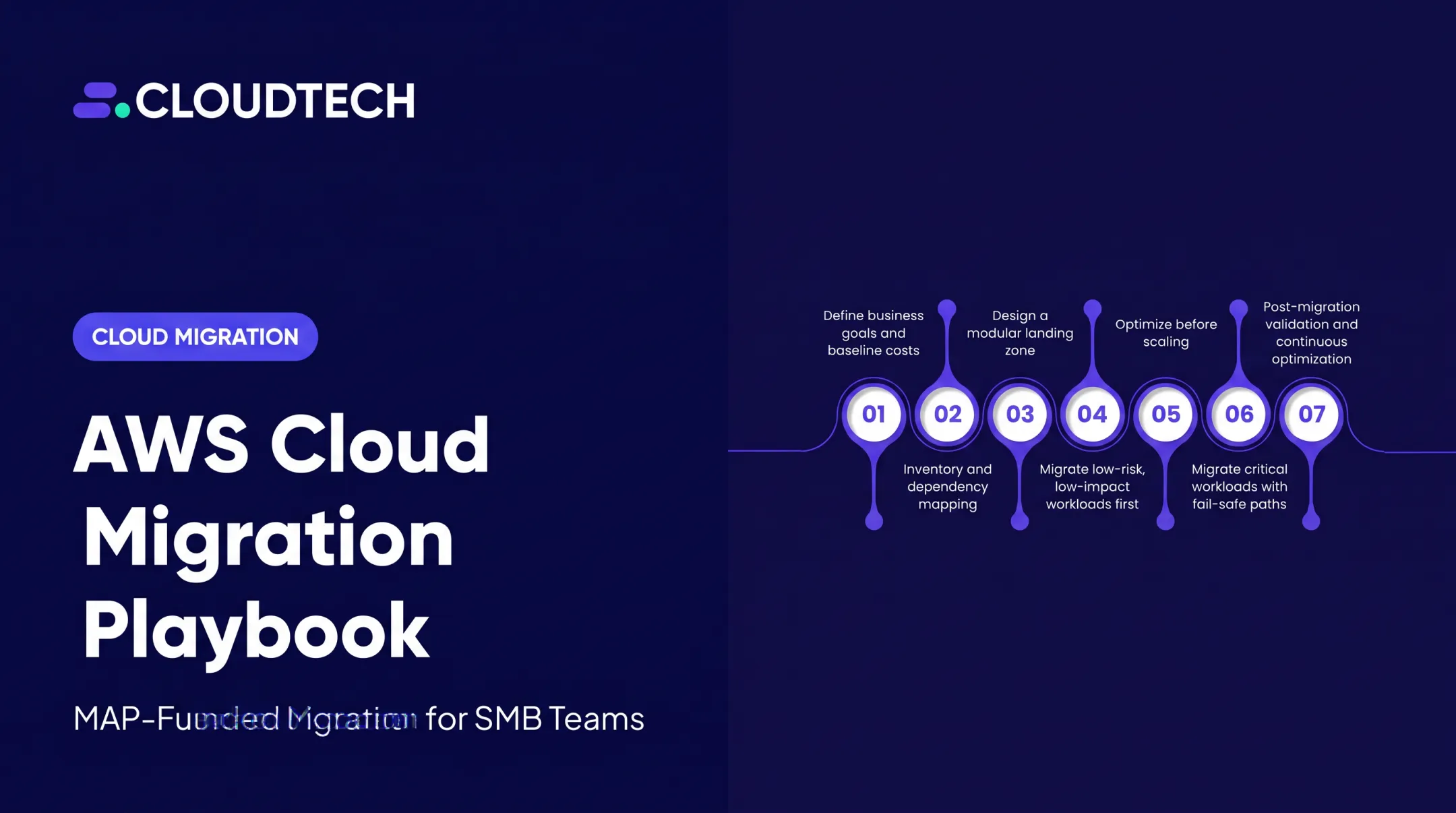
A migration that works follows a sequence: define objectives, assess the current environment, choose a strategy, protect data, pilot the move, migrate in waves, validate, train users, and optimize afterward.

Before anything moves, build an inventory covering:
- Applications, data stores, and devices in use
- Integrations and dependencies between systems
- System owners and end users
- Compliance obligations tied to specific data
- Recovery requirements and current operating costs
From there, classify each workload by business criticality, sensitivity, and complexity. Low-risk, simple systems become your pilot. Mission-critical systems such as your billing database, EHR, or core CRM get more planning time, not less.
Choosing a Migration Approach
Different workloads call for different strategies. AWS's commonly used framework includes:
| Strategy | What it means |
|---|---|
| Rehost | Move the application as-is ("lift and shift") |
| Replatform | Move it with minor optimizations |
| Repurchase | Replace it with a different product |
| Refactor | Rebuild its architecture to use cloud-native features |
| Retain | Keep it where it is, for now |
| Retire | Shut it down — it's no longer needed |
| Relocate | Shift servers to a cloud version of the same platform without rewriting |
Refactoring tends to be the most complex and costly option, so it shouldn't be the default choice for a lean team tackling its first migration.
Before anything goes live, run a short pre-flight check:
- Confirm backups restore cleanly
- Document every dependency
- Define rollback criteria
- Test the target environment
- Verify access permissions
- Agree on acceptable downtime
Step 1: Define Success Criteria Before You Start
Decide what "better" looks like before you touch anything. Common targets include lower maintenance effort, faster disaster recovery, quicker provisioning, tighter access control, or better application performance. Baseline these metrics now so you can prove improvement later.
Step 2: Run a Low-Risk Pilot
Pick one low-risk workload and migrate it first. Gather user feedback, test integrations and permissions, and use what you learn to revise your migration runbook before touching anything critical. A pilot on a non-critical system typically takes 2 to 4 weeks.
Step 3: Migrate in Waves and Keep the Legacy System Running
Move remaining applications in planned batches. For larger environments, that often spans 8 to 16 weeks. Communicate changes ahead of time, validate data completeness after each wave, and monitor performance and cost as you go. Keep the legacy environment live until acceptance criteria are met.
Employee enablement matters as much as the technical cutover. Provide role-specific training, document new procedures, set clear security expectations, and give people a support path after go-live.
This is also where a lean team's limits usually show up. An AWS-certified partner such as Cloudtech can assess workloads, build a phased AWS roadmap, and reduce technical risk when internal expertise is thin. Timelines still depend on the environment, not a generic template.
Where Cloud Migration Is Applied and What Determines the Right Approach
Small businesses typically migrate a mix of the following:
- Email and productivity tools
- File storage and team collaboration
- Backup and disaster recovery
- Accounting and CRM systems
- E-commerce platforms and customer portals
- Databases and analytics pipelines
- Custom or industry-specific SaaS applications
Some workloads are a one-time move. Others stay ongoing by design: replication, backup, hybrid operation, and gradual app modernization.
SaaS, PaaS, or IaaS: Who's Responsible for What
| Model | You manage | Provider manages |
|---|---|---|
| SaaS | Your data and user identities | The application, platform, and infrastructure |
| PaaS | Your data, identities, and app code | The runtime, operating system, and hardware |
| IaaS | Data, identities, apps, and OS | Physical servers and networking |
No matter which model you choose, your data and your identities stay your responsibility.
That shared-responsibility split shows up clearly in real migrations. A healthcare organization we worked with, Klamath Health Partnership, moved electronic health records into a HIPAA-compliant data lake on Amazon S3, then added Tableau Cloud for analytics after a one-day discovery workshop. After retiring its managed services provider, it cut infrastructure costs 77% year over year.

Picking a Provider and a Partner
Rather than chasing a "best" provider, evaluate based on:
- Your existing technology stack and integrations
- Security, compliance, and data-residency requirements
- Support model and pricing transparency
- How portable your workloads are if you need to switch later
Use the AWS Pricing Calculator or equivalent tools from other providers to build estimates. Treat them as planning tools, not final quotes. Factor in:
- Subscriptions, compute, and storage
- Monitoring, security tooling, and data transfer
- Training and dual-running costs while old and new systems overlap
When vetting a cloud partner, ask about:
- SMB and industry experience, plus migration methodology
- Security practices, rollback planning, and communication cadence
- Post-migration support and verifiable certifications or partner status
Skip marketing claims. Confirm how they run discovery, fund or scope the work, and support your team after cutover.
Key Factors That Affect a Small-Business Cloud Migration
A handful of variables determine whether a migration stays on track or stalls:
- Data characteristics: volume, format, quality, sensitivity, retention rules, and whether you can export cleanly from the current system
- System dependencies: OS requirements, databases, APIs, third-party integrations, licensing limits, and legacy apps that may not run cleanly in a new environment
- Operating conditions: internet reliability, bandwidth, workload spikes, user locations, and downtime tolerance
- Security and compliance: least-privilege access, MFA, encryption, logging, and rules such as HIPAA or PCI DSS
- Scale and cost controls: expected users, storage growth, auto-scaling, spending alerts, and regular review of idle resources
- People and change management: staff readiness, training needs, post-launch ownership, and clear escalation paths
Security still needs its own plan. 60% of small businesses named cybersecurity threats their top business concern in a 2024 U.S. Chamber of Commerce survey. Build access controls, encryption, and logging into the migration design instead of assuming the provider handles them by default.
Compliance is a separate workstream, not a checkbox. If you handle electronic health information, HHS guidance on HIPAA and cloud computing treats a provider that stores or processes that data as a business associate. You need a business associate agreement in place whether or not the data is encrypted. PCI DSS works the same way: moving to the cloud does not remove the obligation.
Common Issues, Misconceptions, and When Migration May Not Be Appropriate
Myths Worth Retiring
Moving to the cloud doesn't automatically cut costs or improve security. Both outcomes depend on how you architect, configure, and govern the environment afterward.
It's also easy to blur provider and customer responsibility. Identity management, application security, backups, and compliance evidence are yours to handle, not the provider's.
Mistakes That Derail Migrations
Watch for these recurring problems:
- Migrating data you don't actually need anymore
- Skipping dependency mapping before the move
- Never testing whether backups actually restore
- Underestimating data-transfer and egress costs
- Skipping user training until after something breaks
- Shutting down legacy systems before the new one is validated
Up to 80% of migrations underperform when businesses skip upfront planning. That is a strong argument for the phased approach outlined above.

When Migration Isn't the Right Call
Sometimes staying put is the smarter move:
- A stable workload that's nearing retirement anyway
- An application with dependencies that won't run in the cloud
- Unreliable connectivity or prohibitive data-transfer requirements
- A business case that just doesn't add up
In these cases, consider:
- Retaining the workload temporarily
- Running a hybrid model
- Adopting SaaS instead of rebuilding infrastructure
- Modernizing only the single highest-value piece
Warning signs you're migrating by default, not by design:
- Success criteria left undefined
- Accountable owner never assigned
- Cost model absent from the business case
- Rollback plan left unwritten
- Security and compliance ownership still unclear
Conclusion
Successful cloud migration for a small business is a business-led, risk-managed process. Dumping files and servers onto someone else's infrastructure and hoping for the best rarely works.
A practical path usually includes:
- Define the goal, then inventory and classify your workloads
- Pick the right approach for each workload
- Protect and test your data before you move
- Migrate in phases, train your people, and monitor security, performance, and cost after launch
If you're a US small business or startup figuring out whether and how to move to AWS, Cloudtech's AWS-certified consulting team can map a practical, outcome-focused roadmap. The work stays human-first: clear priorities, honest tradeoffs, and a plan that fits your business—not a one-size-fits-all timeline.
Frequently Asked Questions
How much does a cloud migration cost?
Cost depends on workload complexity, data volume, migration strategy, downtime tolerance, consulting support, and licensing. Separate one-time migration costs from ongoing cloud usage fees. AWS Migration Acceleration Program (MAP) funding can offset qualifying work, so get a workload-specific estimate rather than relying on industry averages.
Which cloud service is best for small business?
There's no single best provider. Match the platform to your software stack, compliance needs, integrations, technical skills, and budget. AWS, Azure, and Google Cloud each fit different small-business scenarios.
Is cloud computing good for small businesses?
Cloud computing can give small businesses flexibility, remote access, resilience, and less infrastructure to manage. Results still hinge on security configuration, cost governance, reliable connectivity, and a clear business case for the move.
What are the 7 types of cloud migration?
Terminology varies by source, but commonly used approaches include rehost, replatform, repurchase, refactor, retain, retire, and relocate. Not every framework uses exactly these seven categories.
What are the top cloud migration tools?
The right tools depend on your source and target environments. Common categories include assessment and discovery, data-transfer, database-migration, monitoring, backup, and cost-management tools. Verify current capabilities before committing to any specific product.