Introduction
Firebase-to-AWS migration means assessing a Firebase app, mapping its backend to AWS services, then moving data, identities, and workloads with controlled downtime. Most teams discover the work is closer to an application refactor than a platform swap.
This guide is for US startups, SMBs, product teams, and technical decision-makers who struggle with Firebase limits around control, security governance, architectural flexibility, or predictable scaling as the product grows.
Migration often gets sold as a platform move. In practice, Firebase SDKs, security rules, and document data models rarely map one-to-one onto AWS, so the real work is redesigning how the app talks to its backend.
This article covers the business case, service mappings, a step-by-step migration workflow, common risks, validation steps, and situations where staying on Firebase (or running a phased hybrid approach) makes more sense.
Key Takeaways
- Full migration replaces several Firebase capabilities—not a simple lift-and-shift
- Map Firestore or Realtime Database to DynamoDB, RDS, or Aurora by query patterns and consistency needs
- Auth, storage, functions, hosting, and notifications each need separate migration decisions and tests
- Parallel-run or phased cutover cuts downtime and keeps a rollback path
- Verify AWS Migration Hub capabilities before relying on it—availability has changed recently
What Is Firebase-to-AWS Migration, and Why Do Teams Do It?
Firebase-to-AWS migration is the planned transition of application data, identity, backend logic, storage, hosting, and operational workflows away from Firebase and into an AWS architecture. The goal is to keep or improve functionality while landing on an architecture that fits your security, compliance, performance, and growth requirements.
Rehost, Replatform, or Refactor?
AWS defines seven migration strategies (the "7 Rs"): retire, retain, rehost, relocate, repurchase, replatform, and refactor. Rehosting moves an application with no code changes. Replatforming introduces limited optimization. Refactoring changes the architecture to use cloud-native capabilities.
Firebase migrations almost always land in refactor territory. AWS's Startups guide on migrating from Firebase notes that Firebase's proprietary services, APIs, and SDKs require rewriting portions of the application — not a clean lift-and-shift.
Why Teams Actually Make the Move
Common triggers include:
- Complex relational queries that Firestore's document model handles poorly
- Compliance, audit, or data-residency rules that need deeper infrastructure control
- Governance requirements Firebase's managed model can't support
- Consolidation around existing AWS workloads already in production
- Analytics or machine-learning roadmaps that need a broader AWS data stack
What Goes Wrong Without Planning
Teams that treat this as a simple export/import often hit:
- Broken authentication flows after identity migration
- Inconsistent data between Firestore and the new database
- Event triggers that silently stop firing
- IAM permissions that block legitimate access
- Unplanned downtime during cutover
- An AWS setup that recreates the same Firebase limits
How the Firebase-to-AWS Migration Works
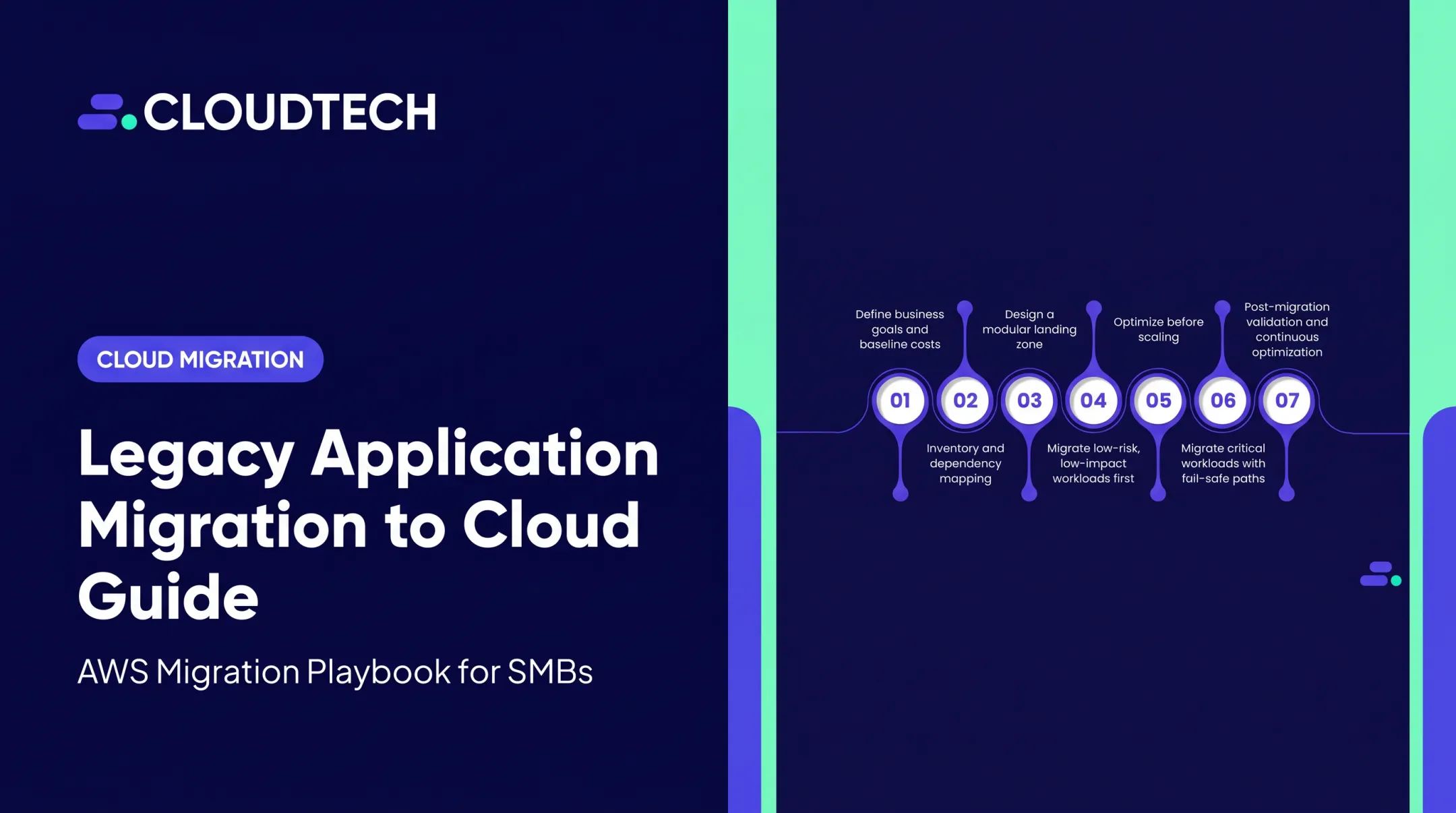
A Firebase-to-AWS migration follows a fixed sequence so nothing critical is skipped:
- Discovery and inventory
- Target architecture design
- Data and identity planning
- AWS environment preparation
- Application refactoring
- Parallel validation and staged cutover
- Post-migration optimization
Work typically touches these Firebase assets—and each one needs an explicit retain, replace, redesign, or retire decision:
- Project configuration and security rules
- Firestore or Realtime Database data
- Storage objects and Hosting setup
- Authentication users and identity flows
- Cloud Functions, SDK dependencies, and pipelines
- Third-party integrations and analytics
The core change replaces Firebase client calls and event-driven functions with AWS APIs, databases, compute, identity, storage, networking, and infrastructure-as-code. Outcome controls stay explicit throughout:
- Data validation checks and clear cutover criteria
- Least-privilege IAM, encryption, and secrets management
- Environment separation, monitoring, and backup/recovery

Step 1: Inventory and Classify
Document every piece of the current Firebase architecture and classify it as retain, replace, redesign, or retire. Record data volumes, query patterns, user journeys, integrations, triggers, traffic patterns, and compliance obligations before touching anything else.
Dependency mapping matters here. Overlooked APIs, cron jobs, or file-share dependencies cause the majority of "surprise" issues later in the project.
Step 2: Build the AWS Foundation
Design and build account structure, networking, IAM, logging, monitoring, backups, and the selected AWS services before migrating a single record. This typically includes:
- Separate accounts for production, staging, and development
- IAM baselines that enforce least-privilege access
- Encryption at rest and in transit with AWS KMS
- Audit trails through AWS CloudTrail and VPC Flow Logs
Validate the design against current AWS Well-Architected guidance, not a one-size-fits-all template. Cloudtech typically locks this foundation in before any production data moves, so later cutover steps rest on a tested landing zone.
Step 3: Migrate and Validate in Stages
Export and transform data, establish identity handling, refactor application code, and test in a non-production environment that mirrors production. Run Firebase and AWS in parallel where appropriate, then shift traffic gradually with a documented rollback plan.
Blue-green deployments and traffic shifting through Route 53 or load balancer listeners let teams prove the cutover before full commit, and roll back quickly if issues appear.
Where Firebase-to-AWS Migration Services Are Applied
There's no single AWS equivalent of Firebase. Each capability gets mapped according to your application's actual requirements, not copied mechanically from the existing Firebase setup.
| Firebase Capability | Possible AWS Target | Key Consideration |
|---|---|---|
| Firestore / Realtime Database | DynamoDB or RDS/Aurora | Depends on relationships, query patterns, and consistency needs |
| Authentication | Amazon Cognito | Password hash compatibility needs testing, not assuming |
| Storage | Amazon S3 | Object metadata and access patterns transfer, not file structure automatically |
| Cloud Functions | AWS Lambda or containers | Event triggers need to be rebuilt, not just redeployed |
| Hosting | Amplify Hosting, S3 + CloudFront | Static vs. dynamic content changes the setup |
| Messaging / events | SQS, SNS, EventBridge | Different delivery models — pick based on the workflow, not habit |
Database Decision Factors
Among these mappings, the database choice usually carries the most risk. Don't default to DynamoDB just because it's "NoSQL like Firestore." The right target depends on:
- Access patterns — whether joins or complex transactions are required
- Document shape — how tightly coupled your data relationships are
- Consistency needs — what the specific workload actually requires
- Indexing and reporting — ad hoc queries versus known access paths
- Tenancy and scale — multi-tenant design and expected traffic volume
If your app needs relational integrity and ad hoc reporting, RDS or Aurora often fits better than forcing everything into DynamoDB's access-pattern model.

When Teams Bring In Specialists
Those architecture choices get harder when the migration collides with a business deadline. Common triggers for bringing in specialists include:
- Rising operational complexity
- An upcoming funding or growth milestone
- New compliance requirements
- A major product rewrite
- A Firebase architecture limit that blocks the roadmap
Cloudtech supports discovery-led Firebase-to-AWS migrations for US startups and SMBs. AWS-certified architects start with cost assessment and dependency mapping before any workload moves.
The goal is a target architecture tied to your priorities, not a standard template. Scope, sequence, and savings depend on the dependency mix in each Firebase app.
Key Factors, Common Issues, and When Migration May Not Be Appropriate
What Shapes the Outcome
Several inputs determine how smooth (or rough) the migration will be:
- Current Firebase product usage and database schema design
- Authentication methods and existing user base size
- Object volume and metadata complexity in Storage
- Function dependencies and trigger logic
- Traffic history and peak-load patterns
- Compliance requirements and existing AWS skills on the team
Operating conditions matter too — acceptable downtime, data-change rate during the migration window, regional requirements, and how much rollback tolerance the business can accept.
Common Misconceptions
A few assumptions cause real problems:
- Migration is not a simple export/import exercise
- AWS does not provide one universal Firebase replacement
- Moving to AWS does not automatically lower costs
- More infrastructure control also means more configuration and governance responsibility
Frequent Implementation Issues
Teams repeatedly run into the same problems:
- Overlooked client SDK calls that reference Firebase directly
- Mismatched security rules that don't translate to IAM policies
- Lost user identifiers during identity migration
- Incompatible password or hash migration assumptions
- Unhandled Firestore triggers that silently stop working
- DynamoDB access patterns designed around habit instead of real query paths
- Insufficient reconciliation testing before cutover
Compliance gaps compound those failures. AWS's HIPAA Eligible Services Reference lists Cognito, DynamoDB, Aurora, select RDS engines, S3, and Lambda as eligible — but eligibility alone does not make a configuration compliant. A signed BAA and correct setup are still required.

When Migration May Not Be Appropriate
Skip the full migration if:
- You're running an early MVP with low complexity and limited user base
- Your team lacks the capacity to operate AWS infrastructure day-to-day
- The app depends heavily on Firebase-native real-time or mobile SDK features
- The expected business benefit doesn't justify the refactoring effort
Consider a Hybrid Approach
A phased approach can make more sense than a full cutover. Common hybrid patterns include:
- Keep Firebase Authentication temporarily while moving APIs and compute to AWS
- Leave real-time listeners on Firebase while shifting storage, analytics, or batch data to AWS
- Move high-cost or high-control workloads first, then retire Firebase services in stages
Plan tooling carefully too. AWS confirmed that Migration Hub stopped accepting new customers as of November 7, 2025, though existing customers can finish ongoing projects. Verify current capabilities with AWS before assuming a new Firebase project can enroll.
Conclusion
Firebase-to-AWS migration is a structured modernization effort: architecture decisions, data transformation, identity handling, code changes, security controls, testing, and a controlled cutover all work together.
The right target architecture depends entirely on your application's requirements, not on a fixed one-to-one Firebase-to-AWS service list. Keep these principles front and center:
- Assess the business case first
- Choose the simplest architecture that meets your needs
- Validate in stages
- Keep a rollback path open throughout
If you're a US startup or SMB weighing this move, Cloudtech can help you think through the planning stage before you commit to a timeline. Reach out at connect@cloudtech.com to discuss what a Firebase-to-AWS migration would look like for your specific application.
Frequently Asked Questions
Can Firebase be used with AWS?
Yes. Many teams run hybrid setups, keeping Firebase Authentication or real-time features while AWS handles compute, storage, databases, or analytics. Hybrid designs need clear security boundaries and reliable data sync between the two platforms.
What is the AWS equivalent of Firebase?
There isn't one single equivalent. Teams typically combine Cognito, DynamoDB or RDS/Aurora, S3, Lambda, Amplify, and CloudFront to cover Firebase's feature set. The exact mix depends on your application's needs.
Is the AWS Migration Hub still available?
Migration Hub stopped accepting new customers as of November 7, 2025, though existing customers can continue using it for ongoing projects. AWS now directs new migration work to AWS Transform; confirm current status with AWS before you plan around either tool.